User’s Manual
Split
Image
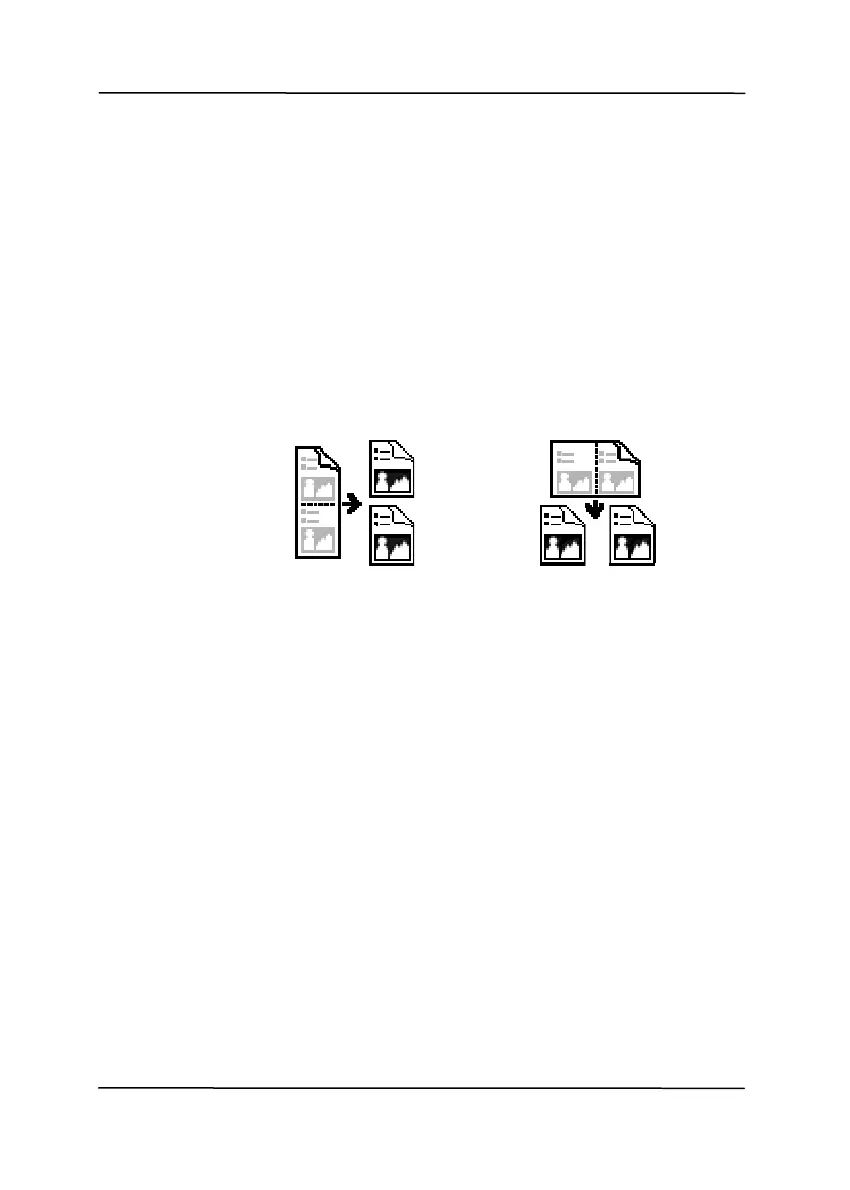
By splitting an image, two separate images are
created horizontally or vertically. This is useful
for documents containing two pages per image
when you want to save them as two images
(one page for one image). Choice: None,
Horizontal, Vertical. Default is None.
Horizontal: Divide one image into the upper
half and the lower half.
Vertical: Divide one image into the left half and
the right half.
Split Horizontally
Split Vertical
4-61



 To Next Page