User’s Manual
4-78
Print
Position
Choose the position you wish to print your
string. Move the slider to the right to increase
the value or to the left to decrease the value.
Range: 0~355mm, default:0 mm
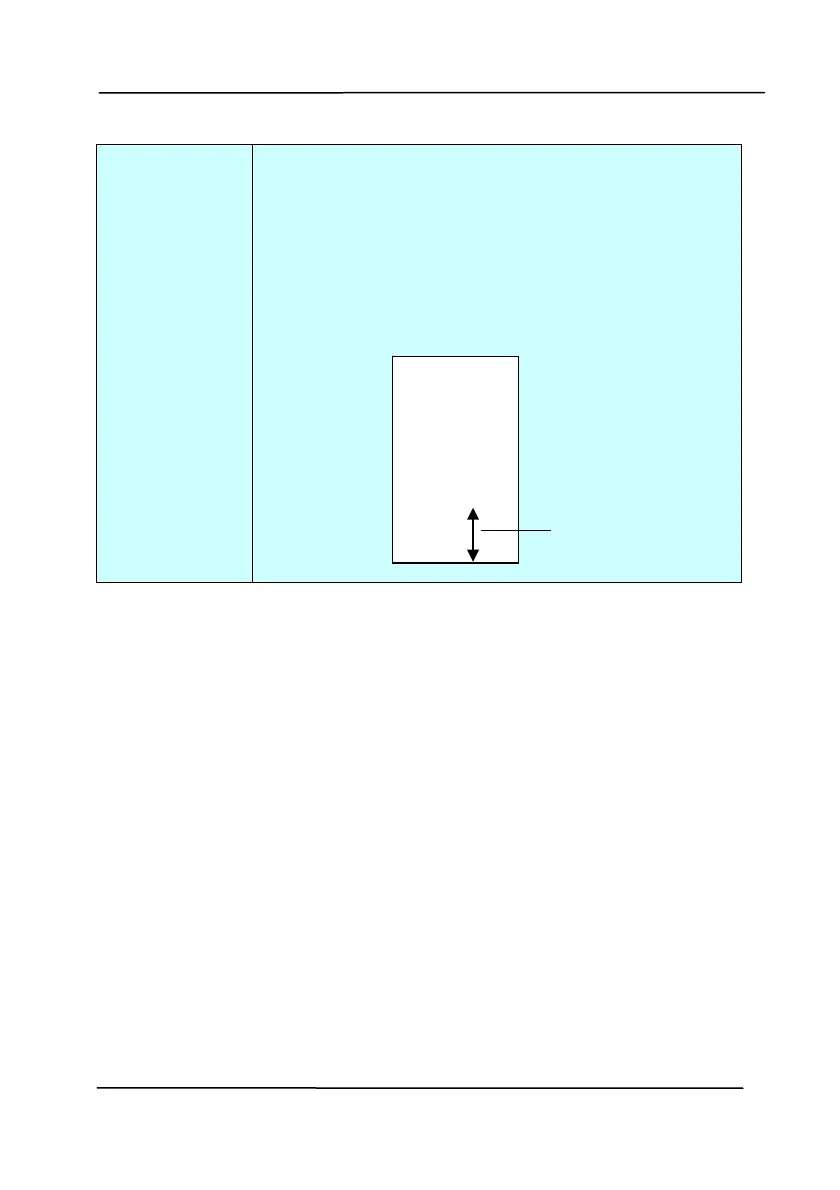
The value indicates the height from the
bottom of your paper to the last letter of your
string. This option is available only if an
external imprinter is installed.
0001abc 2010
he value o
Print Position
Print Position (for digital imprinter)
Choose the position of your printed string. Choice: Top,
Middle, Bottom, Custom. If Custom is selected, enter the X
and Y offset value to specify the position.



 To Next Page