User’s Manual
4-52
4.8 The Preview Tab
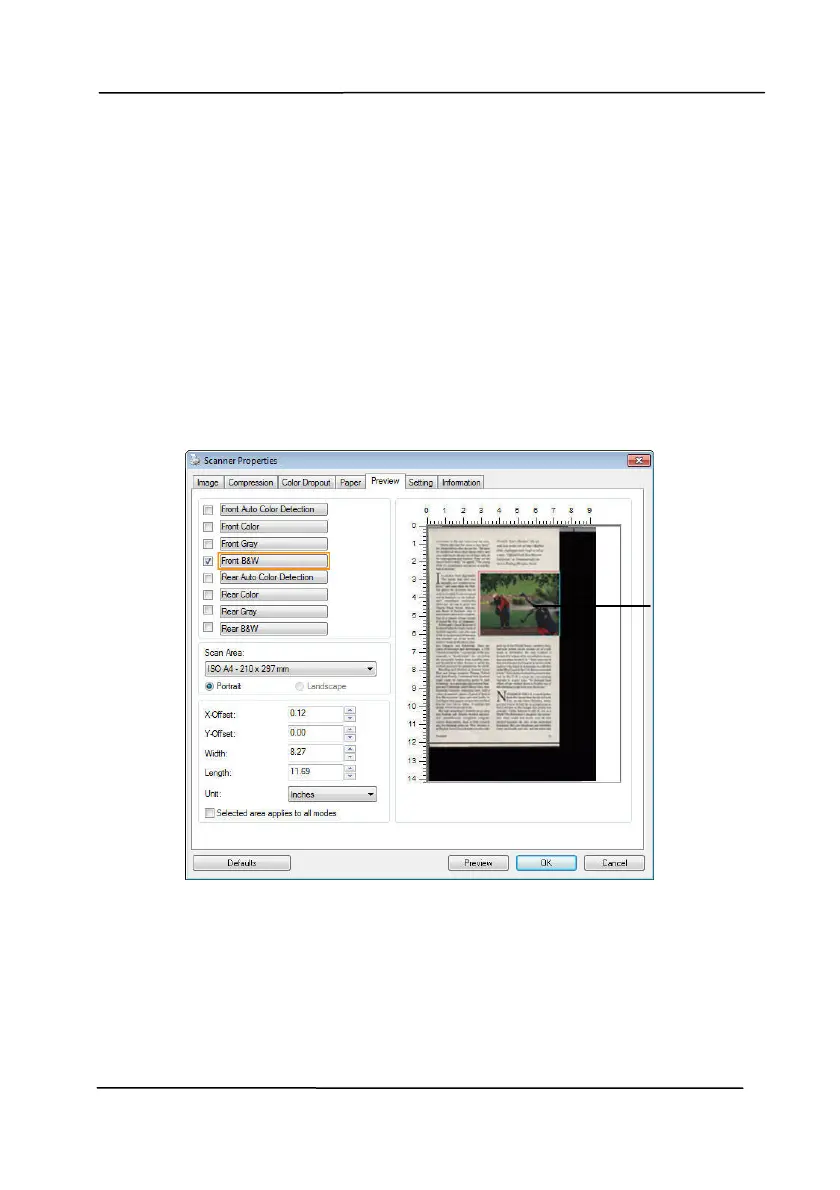
The Preview tab allows you to preview (a low-resolution scan)
your image before final scan. This preview image lets you
allocate your scan area. You can choose your scan area by the
“Scan Area” drop down list box or placing your cursor on the
Display window and dragging it diagonally on the Display
window. Then, a red rectangle box will appear to indicate the
selected area.
Note: If you choose “Automatic Cropping” on the “Paper Tab”,
then to select a scan area on the Preview tab is not allowed.
The Display
Window
The Preview Tab



 To Next Page