User’s Manual
3-7
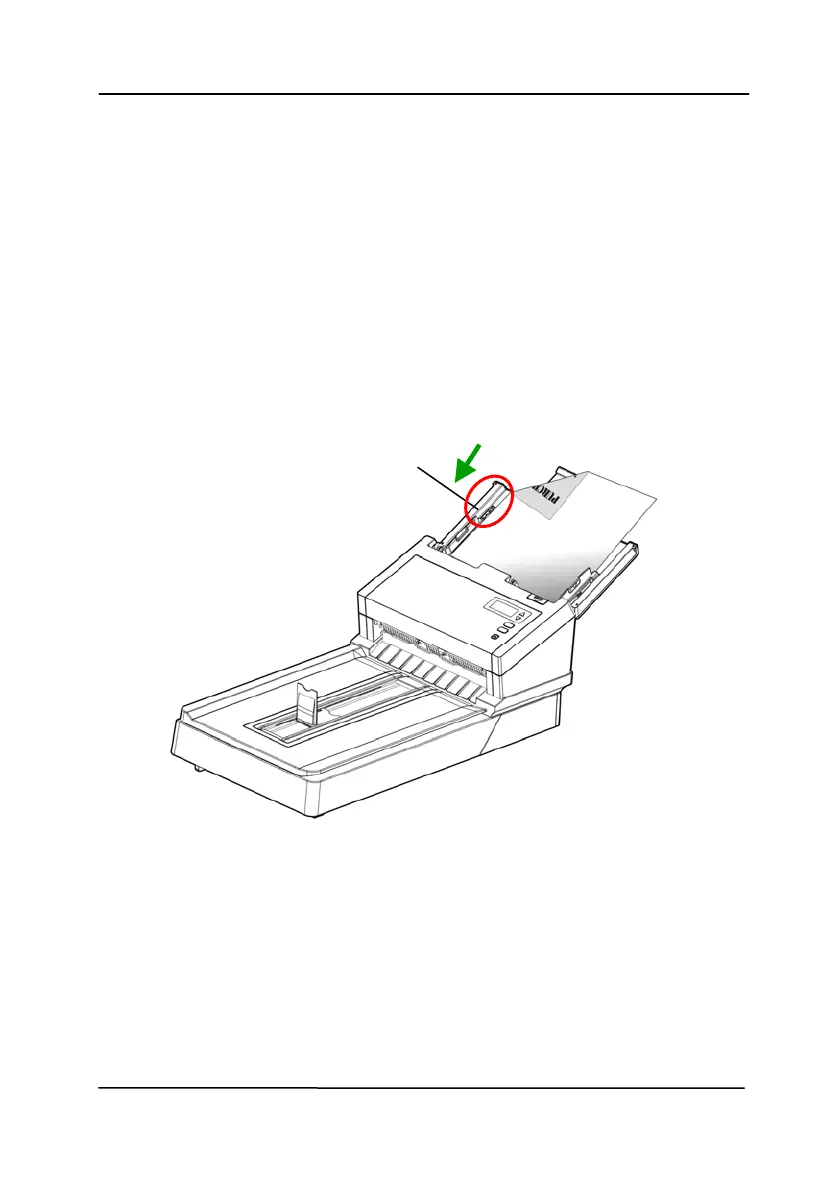
Note: The [Paper Width] switch:
If your document width is 216 mm (8.5 in.):
Slide the [Paper Width] switch DOWN to fix your paper
guide to conveniently load the letter-size document.
If your document width is larger than 216 mm (8.5 in.):
If your document width is larger than 216 mm (8.5 in.)
such as invoices with punch holes, slide the [Paper
Width] switch UP and move the paper guide to the right
end to load your documents.
Slide DOWN the [Paper
Width] switch to set
your paper width to 216
mm (8.5 in.)



 To Next Page