7. Maintenance
7.1 Cleaning the Flatbed Glass
If there is vertical streaks appear on the scanned image, it is
possible that the glass may be dirty. Please clean the glass to
clear the streaks.
The procedures
1. Wet a soft lint-free cloth with some isopropyl alcohol. (95%)
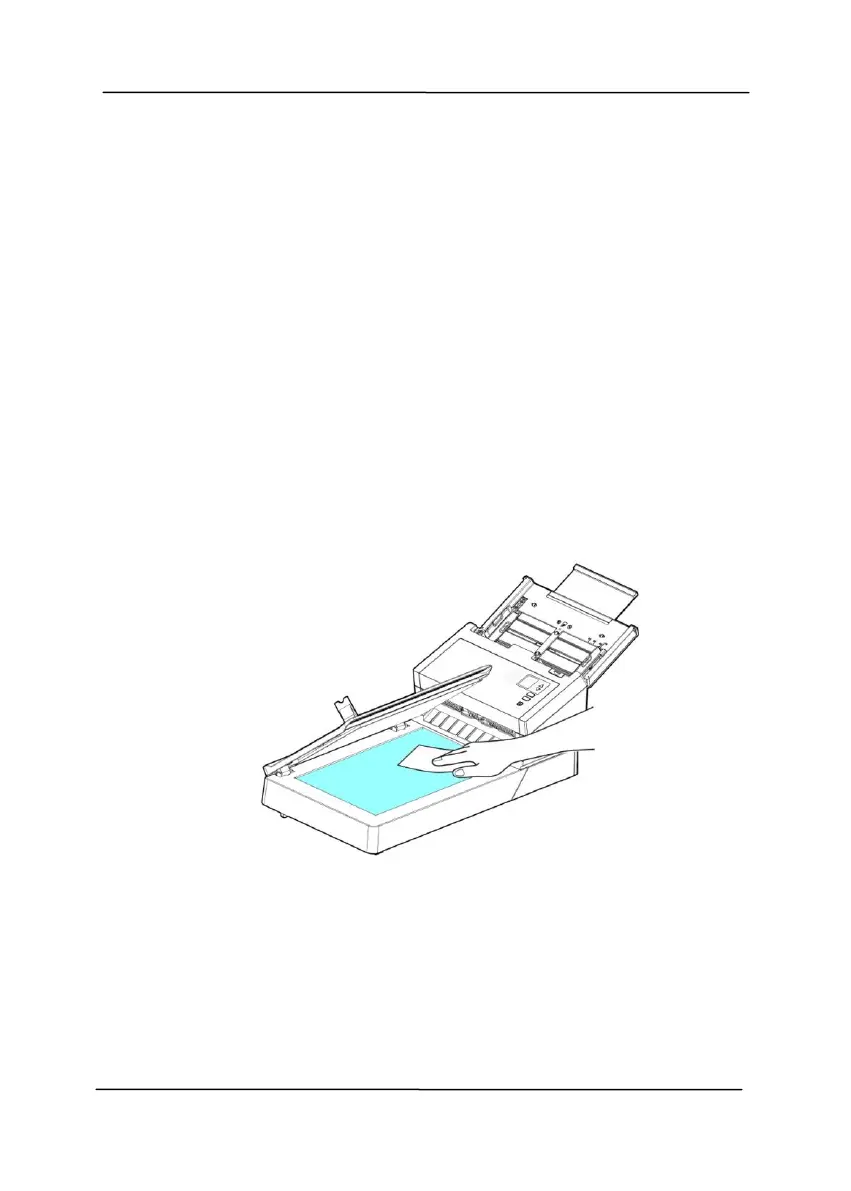
2. Open the document cover as shown below. Gently wipe the
surface of the glass of flatbed.
3. Close the document cover. Your scanner is now ready for
use.


 To Next Page