5-37
Background
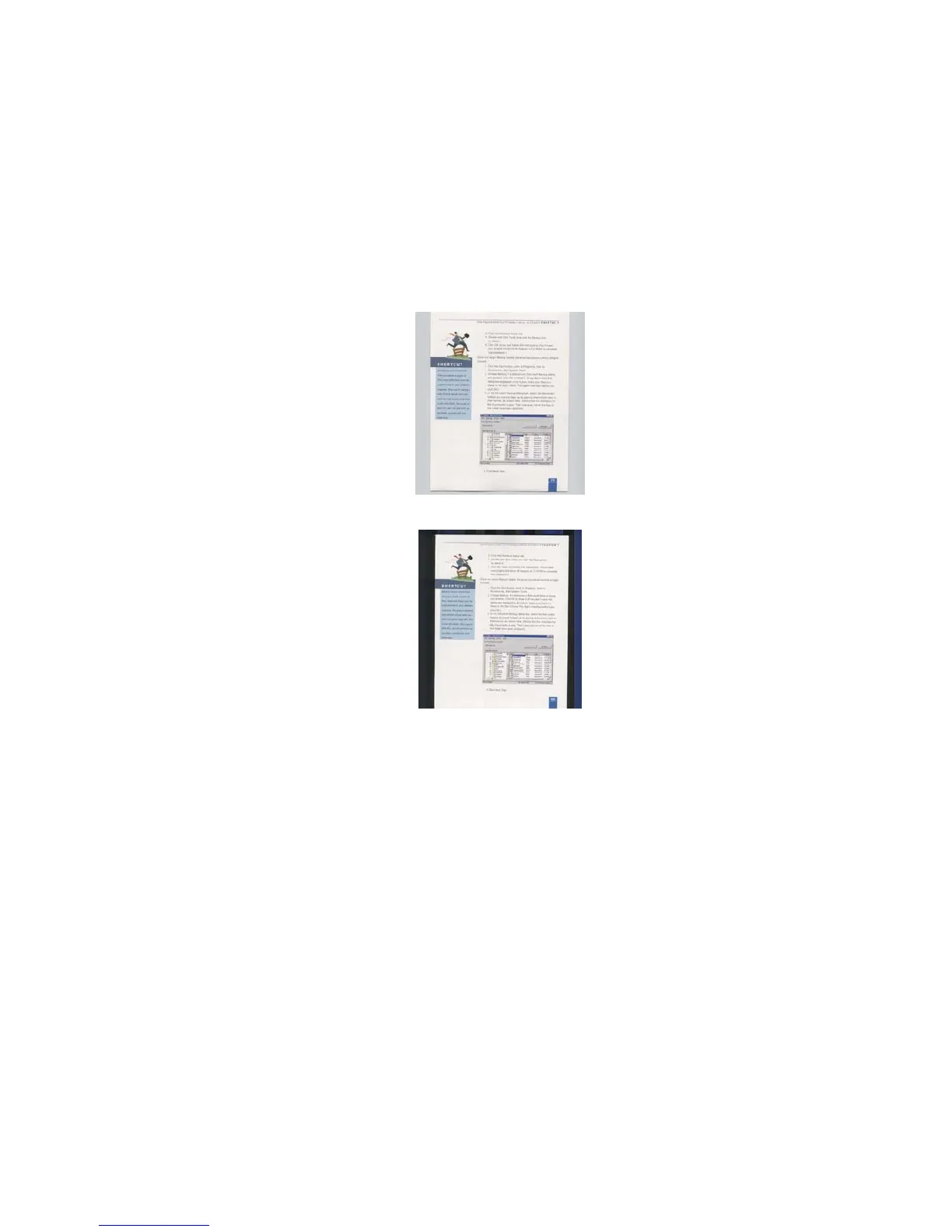
Setting
This option allows you to set your scan
background.
Choice: White Background, Black
Background.
*This option varies based on type of scanner
and is available for the front page in the ADF
(auto document feeder) only. For the rear
page, only the white background is
available.
White Background
Black Background



 To Next Page