6-3
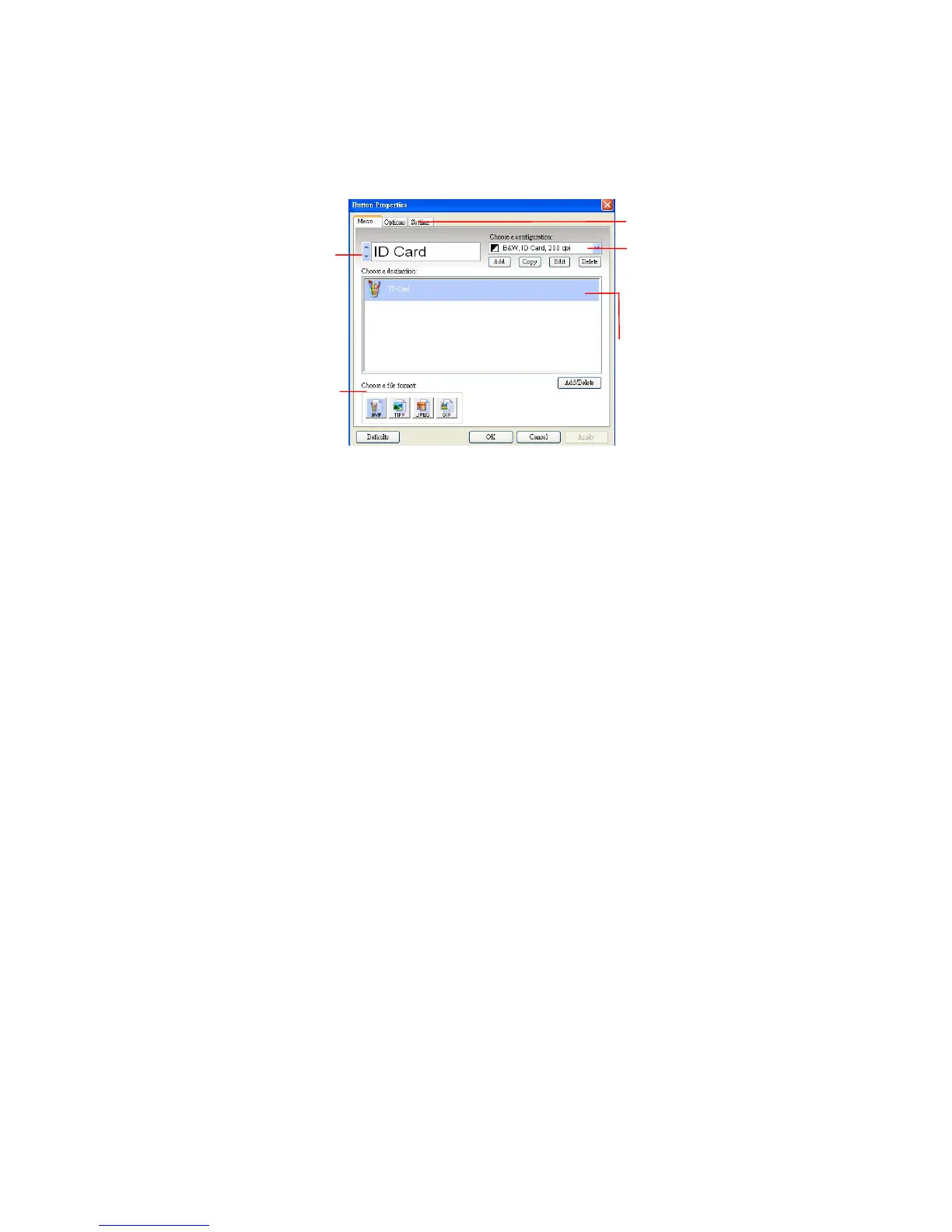
3. Right-click the button (function) you wish to check. The
Button Properties window appears.
The default setting is indicated in highlighted color. If
you wish to change the setting, use this window to reset
the setting for the file format, destination application, or
other scan settings. See “Configuring the Button” in the
subsequent section to reset the settings.
4. Click the OK button to leave the window.
Click to select
options or
setting.
The button
name.
The file
format of the
scanned
image. (*The
options vary
based on
type of
scanner.)



 To Next Page