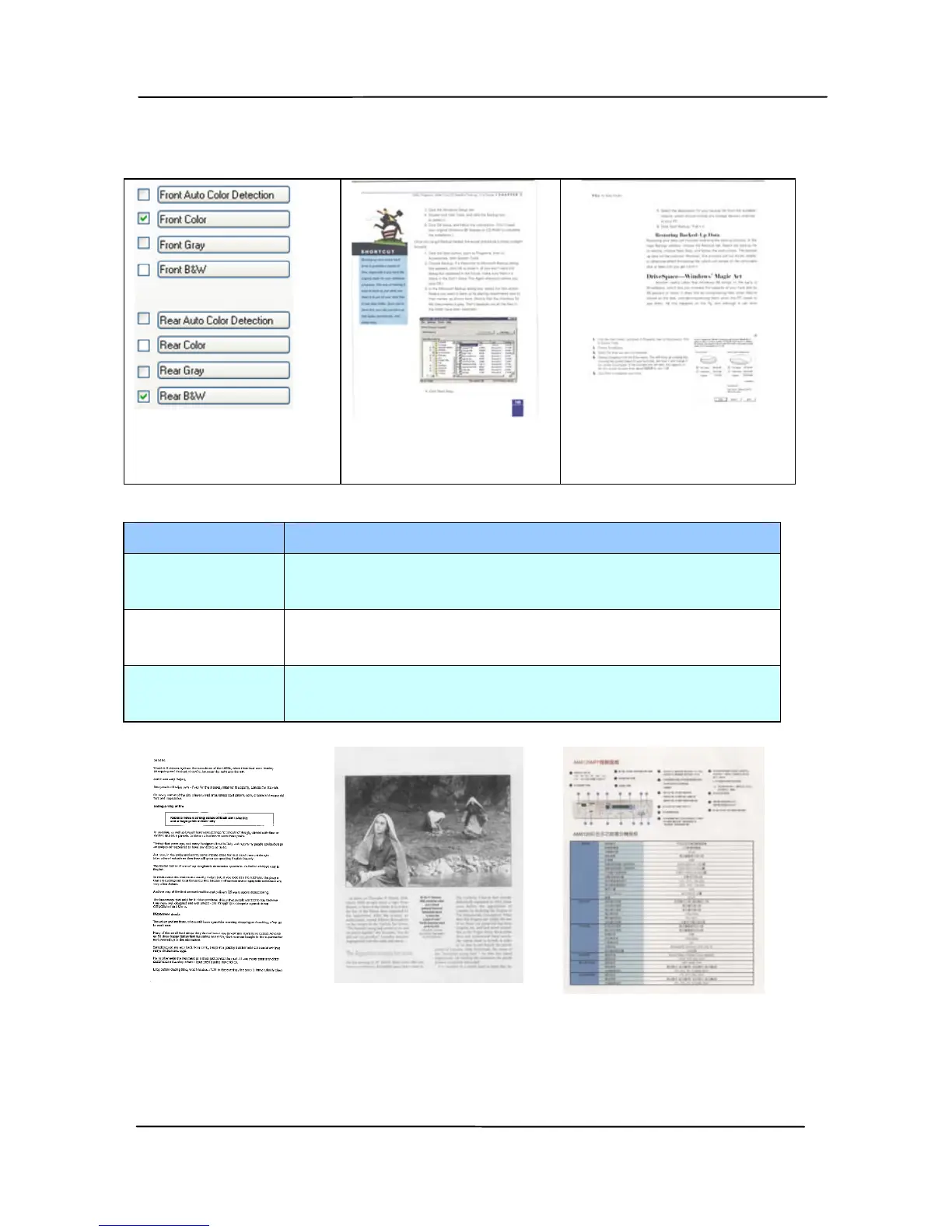
Example 2:Scanning a two-sided color document, one
in B&W, the other in color
Side/Image
Selection
Front
Rear
Image Type Description
Color Choose Color if you wish to scan a color
image for your original in color.
Gray Choose Gray image if your original contains
actual shades of gray.
B&W Choose B&W if your original contains only
text, pencil or ink sketch.



 To Next Page