EasyManua.ls Logo

Avision FF-1105B - User Manual

Avision FF-1105B
132 pages
Print Icon
To Next Page IconTo Next Page
Loading...
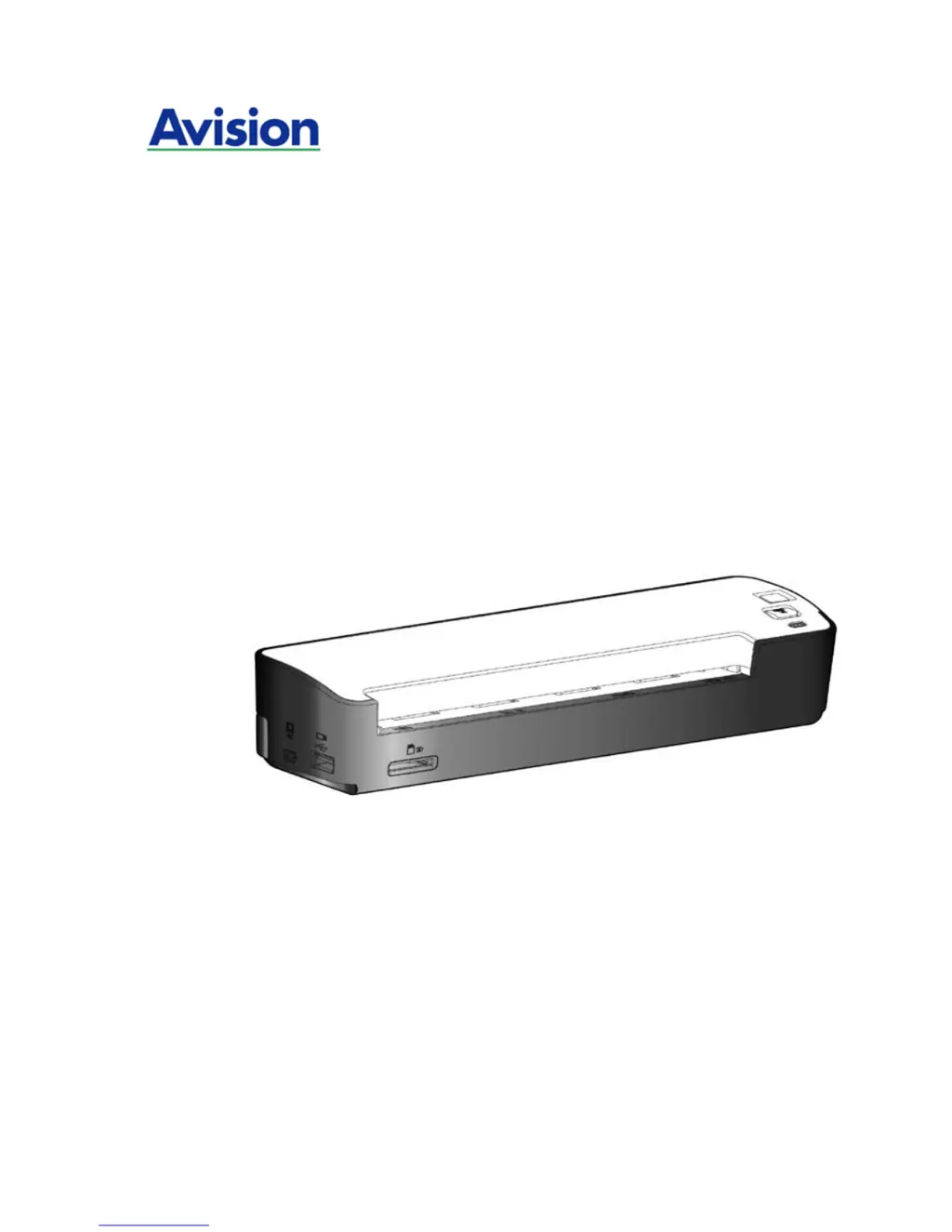
A4 Portable Scanner
Users Manual
Regulatory model: FF-1105B
manual-en-250-0781-E-IS25-v1
Avision Inc.

Table of Contents

Questions and Answers

Summary

Warning and Cautions in Using the Lithium Ion Battery

Installation & Operation in Easy Mode (SD;Flash Mode)

Inserting the Scanner Battery

Provides step-by-step instructions for installing or replacing the scanner's battery.

Charging the Scanner Battery

Explains how to charge the scanner's battery using a computer or power adapter.

Inserting Memory Card or USB Flash Drive

Details the process of inserting memory cards or USB flash drives for storage.

Turning on the Scanner

Guides users on how to power on the scanner and check its ready status.

Scanning an Original

Explains how to set the operation mode and scan documents in SD/Flash mode.

Turning off the Scanner

Instructs users on how to safely power off the scanner and remove storage media.

Installation & Operation in Advanced Mode (PC Mode)

Installing Scanner Driver and Cables

Outlines the procedure for installing the necessary scanner driver and connecting cables.

Enhancing Your Image Quality

Using Buttons in PC Mode

Maintenance

Calibrating the Scanner

Details the procedure for calibrating the scanner to ensure image clarity and precision.

Cleaning the Scanner Glass

Provides instructions on how to clean the scanner's glass surface for optimal performance.

Troubleshooting

Avision FF-1105B Specifications

General IconGeneral
InterfaceUSB 2.0
Light SourceLED
Supported Media SizeA4, Letter, Legal, A5, A6, B5, Business Card
Output File FormatJPEG, PDF, BMP, TIFF
Color Depth48-bit
Document SizeLegal, Letter, A4, A5, A6, B5, B6, Credit Card, Business Card, Plastic Card

Related product manuals