8. Maintenance
8.1 Calibrating the scanner
If the scanned image looks fuzzy or there are strange stripes
on it, the scanner may need calibrating in order for the sensor
to resume its original precision. To calibrate the scanner:
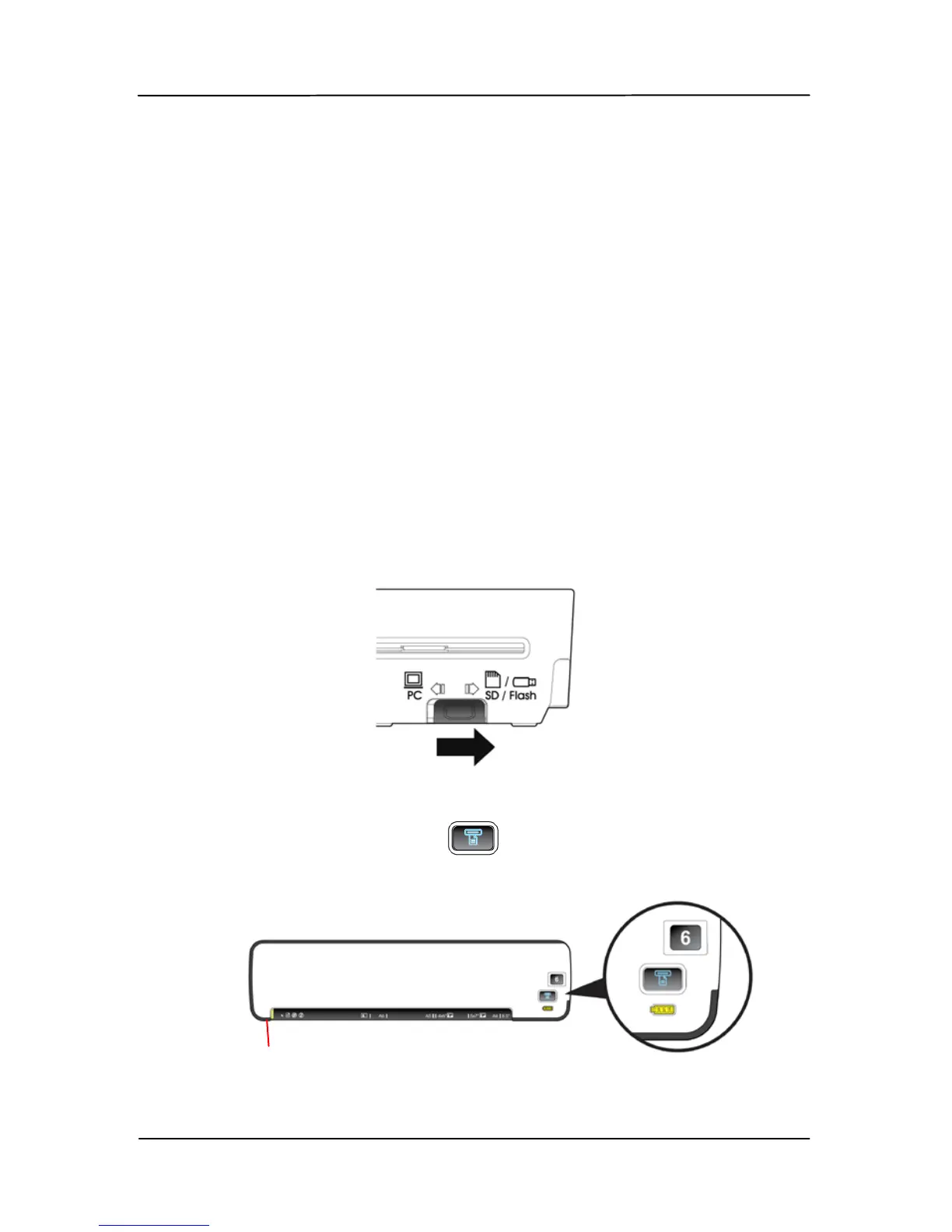
1. Make sure your SD card or USB flash drive is inserted in
the scanner.
2. Move the operation mode to the “SD/Flash” mode as
indicated.
3. Press the POWER knob to “6”.
4. Press the Scan button (
) for two seconds. The
System LED blinks in green color in a few seconds.
The
Custom
button
The System LED



 To Next Page