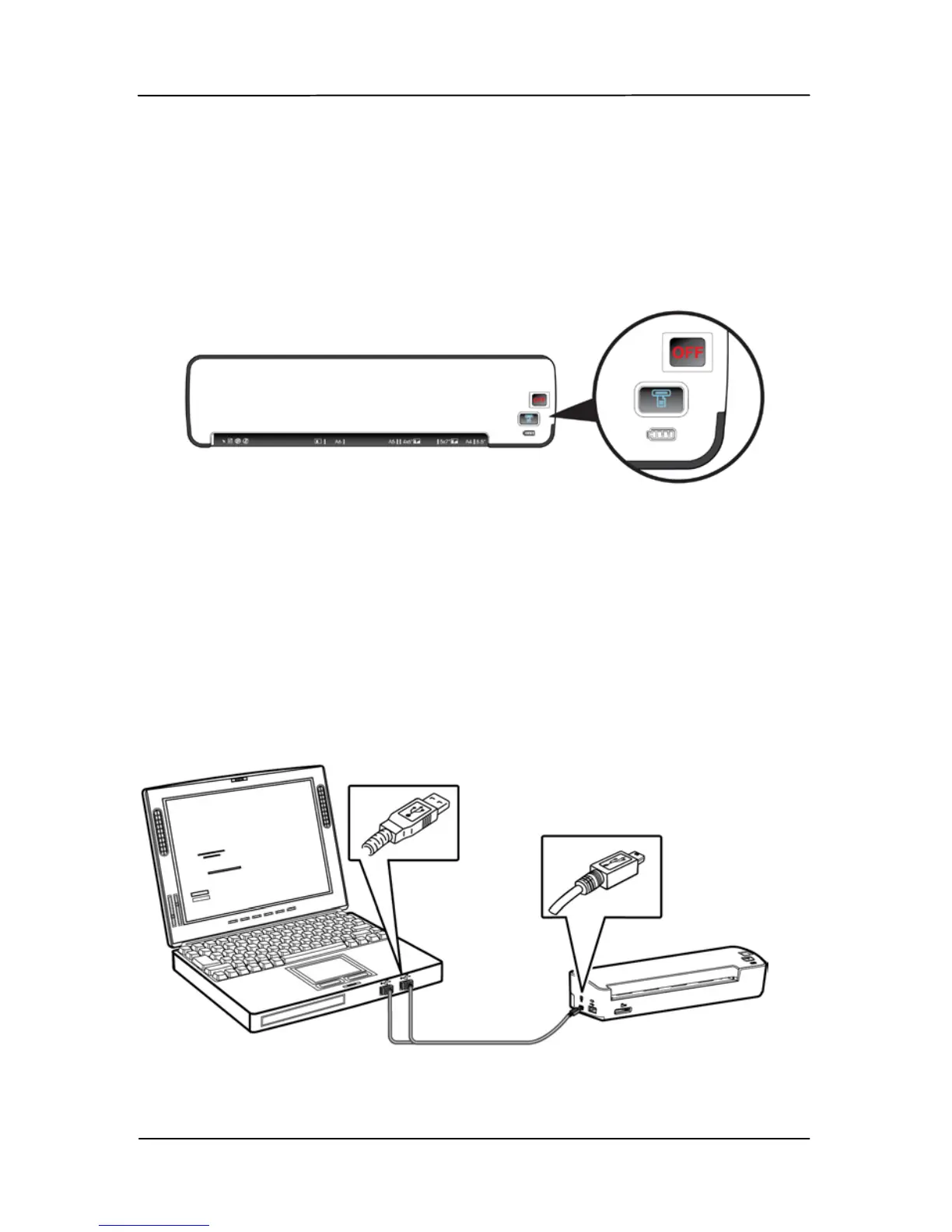
3.2 Charging the battery from the adapter or the
computer
1. Turn off your scanner by moving the “POWER” knob to the
“OFF” position.
To charge the battery from the computer, please follow these
steps:
a. Connect the mini end of the supplied USB Y cable to the
mini USB connector of the scanner.
b. Turn on your computer, and then connect the other two
rectangle ends of the USB cable to two USB ports on your
computer.



 To Next Page