3.5 Scanning an original
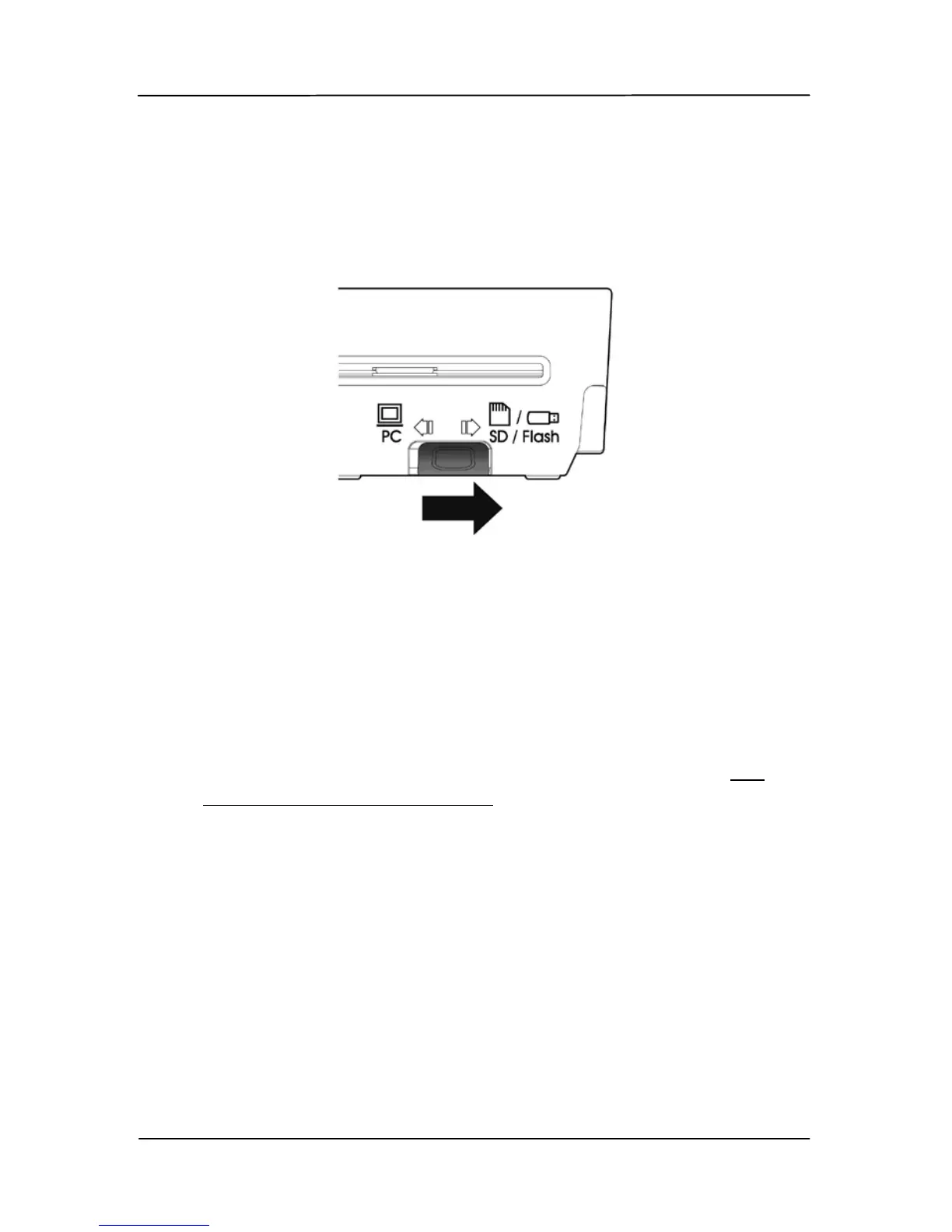
1. To start easy mode to save your images to your SD card
or USB flash drive, please turn the operation mode to
“SD/Flash” at the rear of the scanner as indicated.
2. If you wish to save your images to JPEG file format, turn
the POWER knob to “1”.
To save images to PDF file format, turn the POWER knob
to “2”.
To save your images to TIFF file format, turn the POWER
knob to “3”.
To customize the default settings, please refer to
3.7
Customizing Scan Settings.



 To Next Page