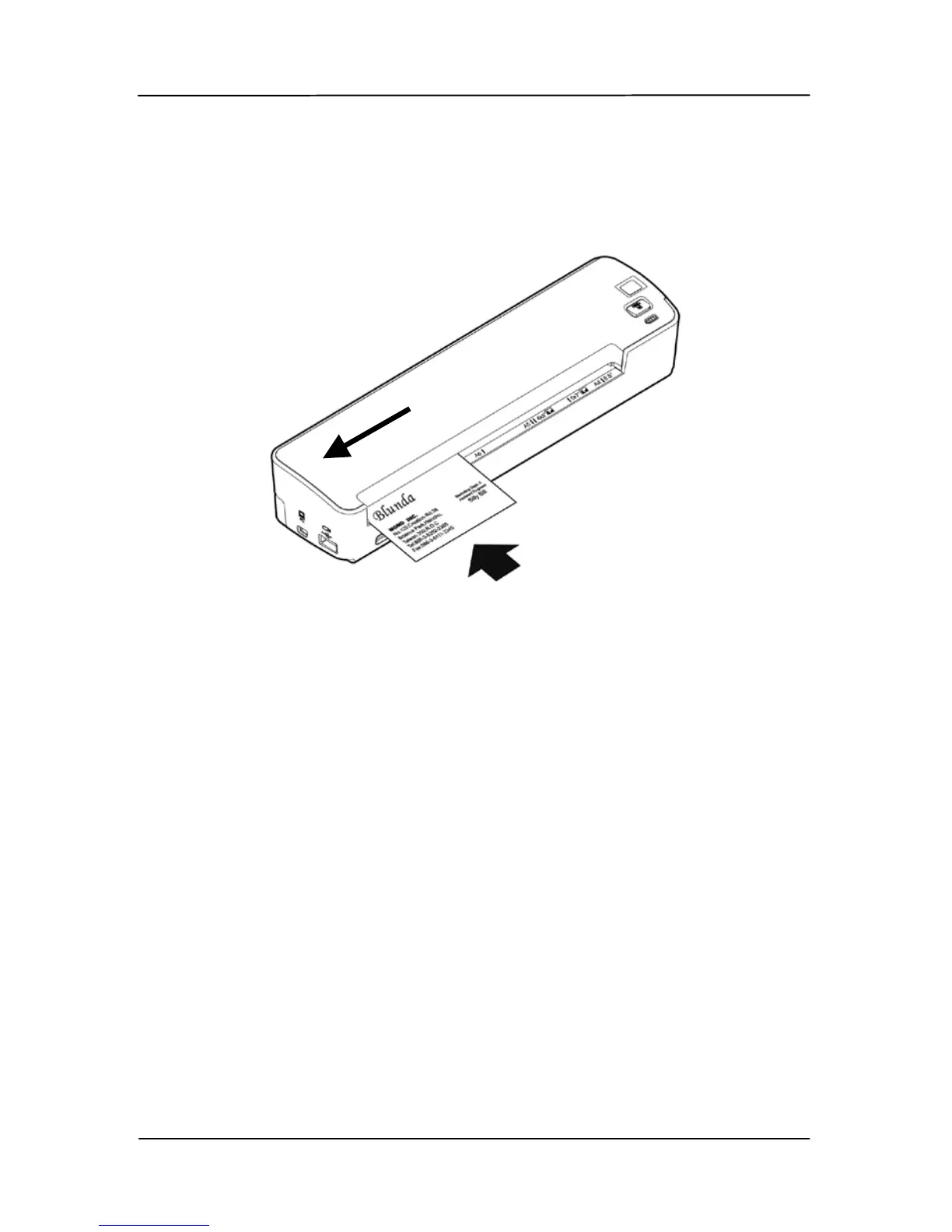
3. Insert your document
FACE UP into the feeding slot.
4. Align your document to the left edge of the feeding slot
as indicated.
5. The scanner starts scanning the original when the paper
has been fed into the feeding slot.
6. If the output file format is preset to JPEG, the scanner
will automatically create a folder titled “DCIM” and its
subfolder “100Photo” on your memory card or USB
flash drive, which will hold the first 9999 scans. Then
“101Photo” folder will be added for the next 9999 scans,
and so on.



 To Next Page