5. Enhancing your image
quality with the Scanner
Properties Dialog box
By switching to the “PC” mode, installing the scanner driver
and connecting the scanner to a computer, you can scan via
the TWAIN user interface (Scanner Properties dialog box) from
your image-editing software application and enhance your
image quality with various features.
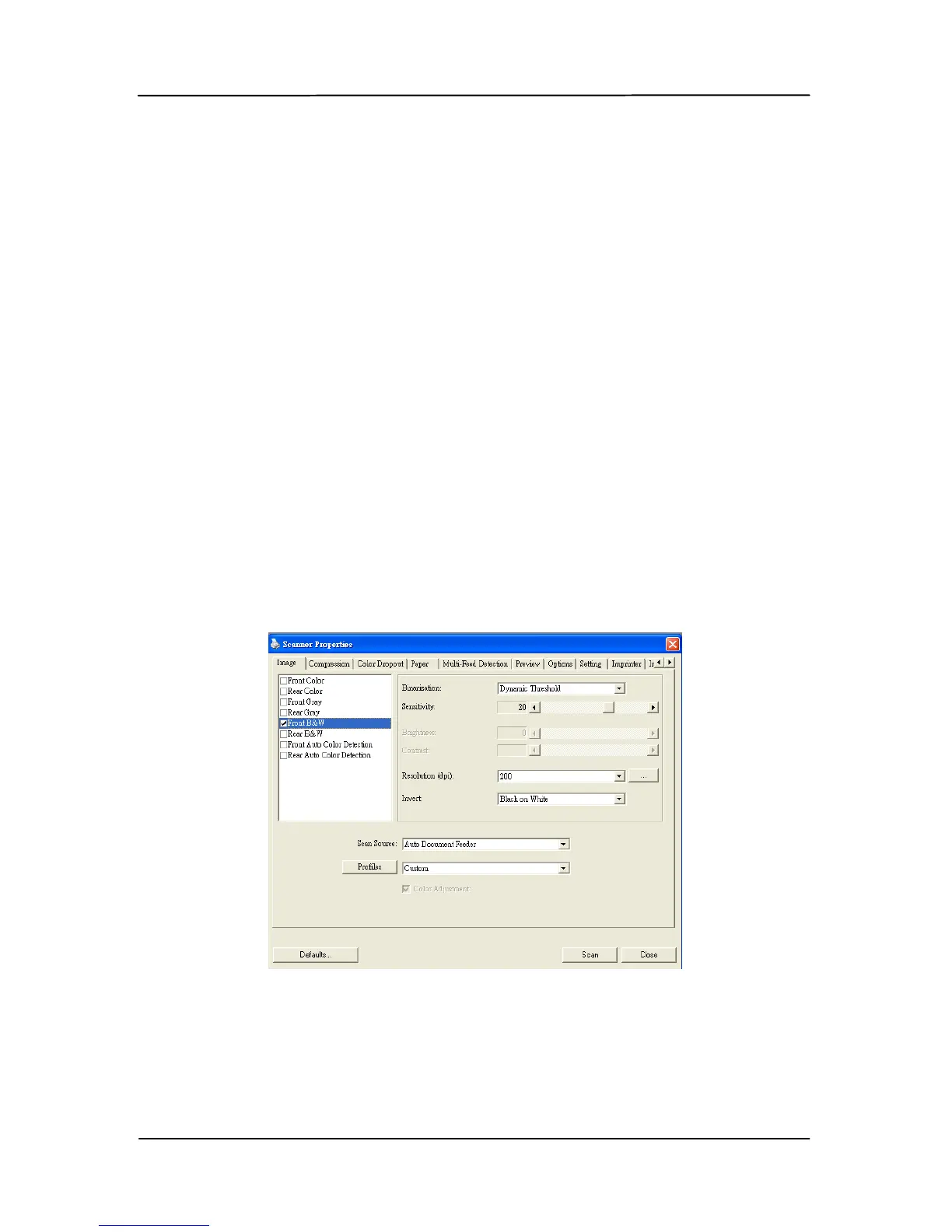
The Scanner Properties dialog box allows you to configure the
scanner’s settings. It consists of several tabbed windows each
of which will be described in this chapter.
The Scanner Properties dialog box



 To Next Page