3.7 Customizing scan settings
By default, your original is scanned in 300 dpi with the
functions of auto crop and deskew (auto straighten). The
default scan settings can be customized to fit different
scanning tasks. Please start the Button Function Settings tool
to customize the scan settings for various applications. The
Button Function Settings tool is included in the scanner driver.
Please install the scanner driver in the supplied micro SD card.
3.7.1 Starting the Function Setting Tool
To start the Button Function Settings tool,
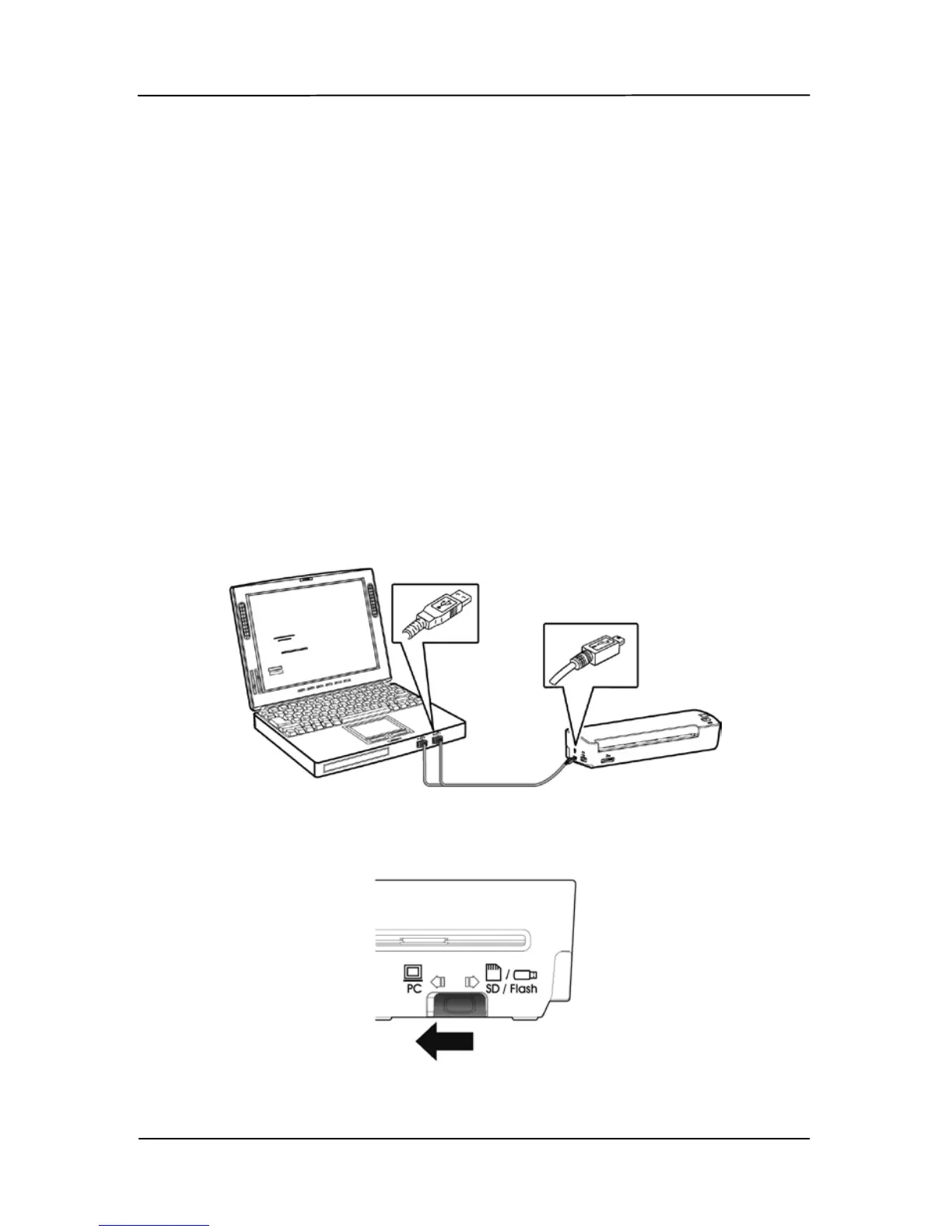
1. Connect the scanner to your computer via the supplied
USB cable.
2. Move the operation mode at the back of the scanner to
“PC”.



 To Next Page