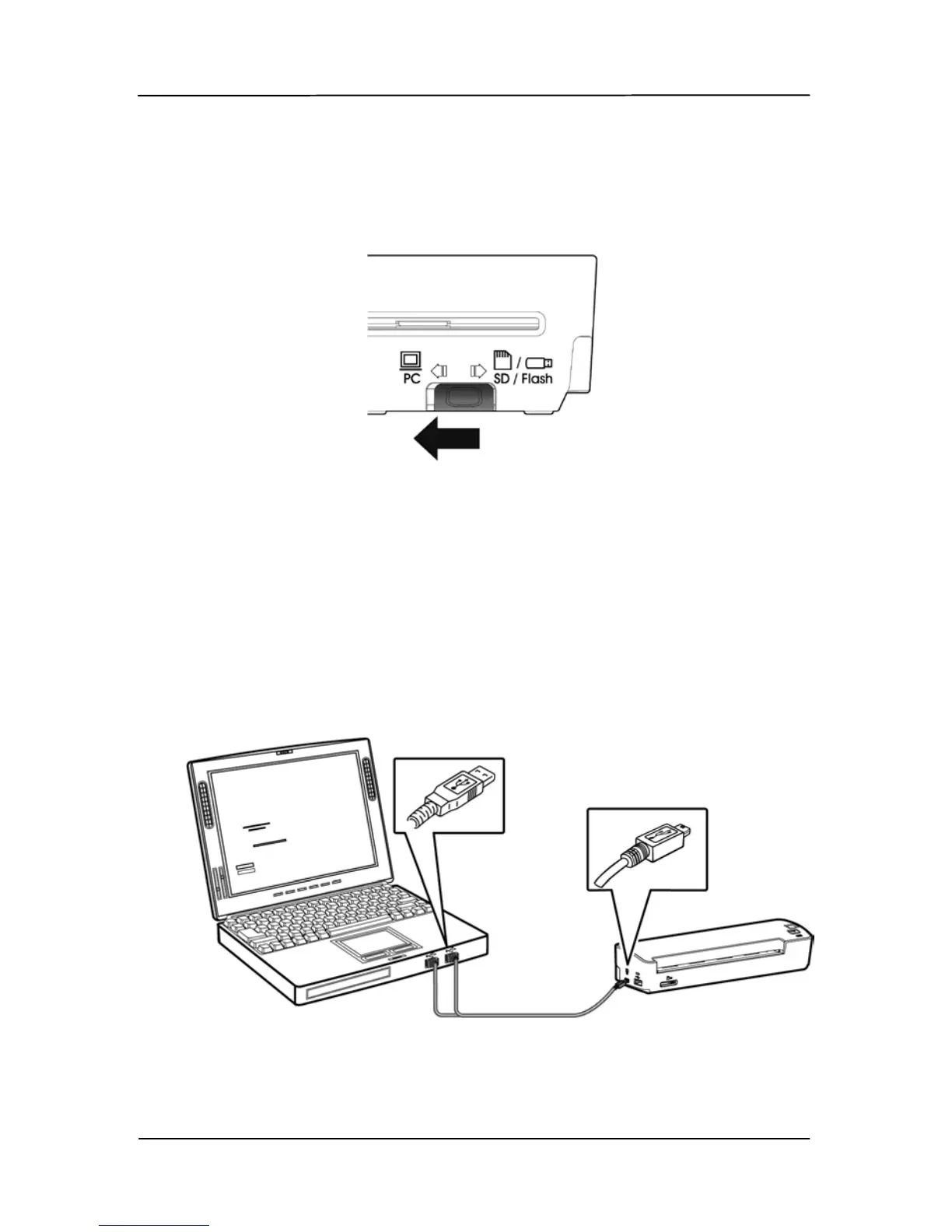
4.1.3 Switching to “PC” mode
Please turn the operation mode to “PC” at the rear of the
scanner as indicated.
4.1.4 Connecting to Computer
The scanner will get its power from the computer through the
USB cable. Use the USB cable that came with the scanner to
connect the scanner to the computer.
1. Connect the square end of the USB cable to the USB port of
your scanner. Connect the rectangle end to the USB port of
your computer.



 To Next Page