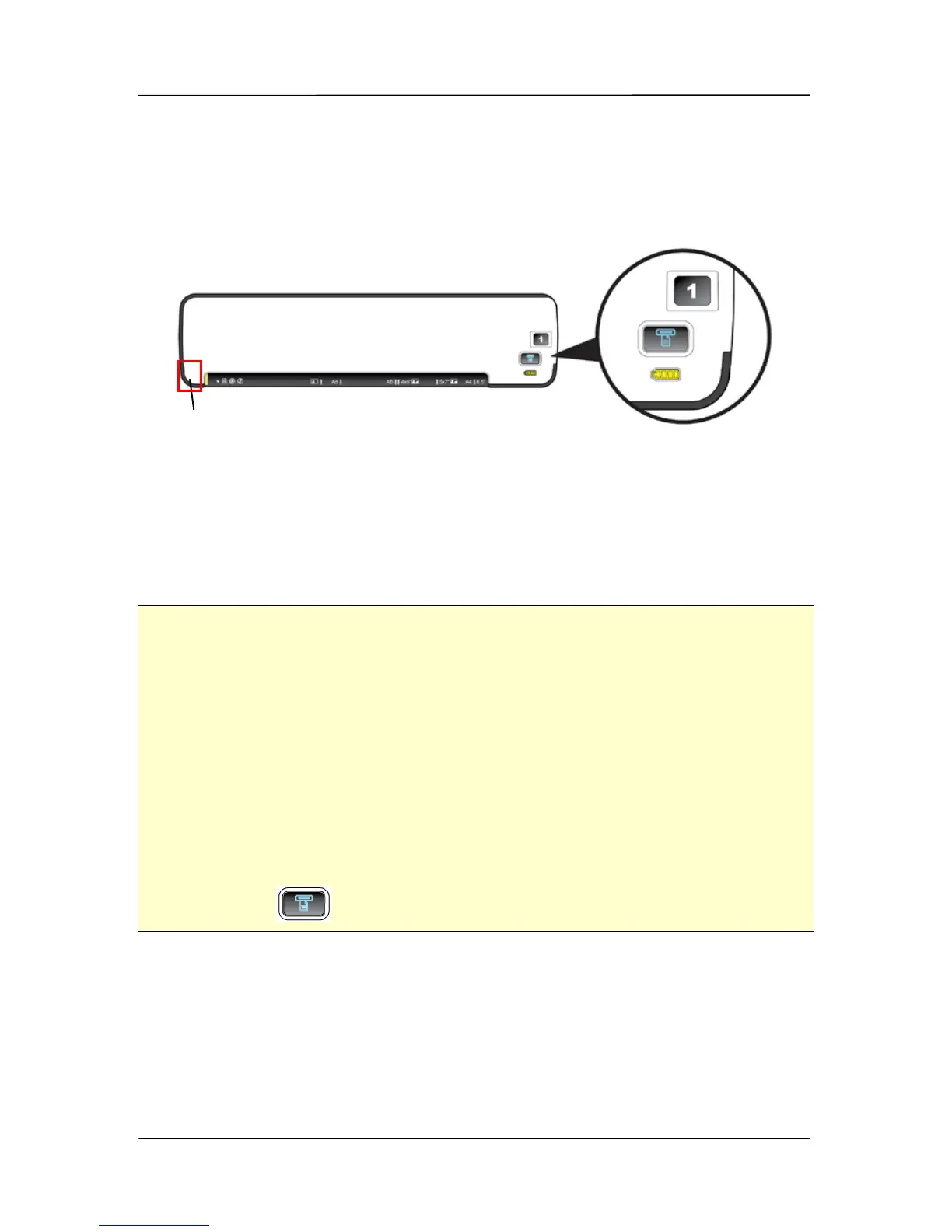
3.4 Turning on the scanner
1. Move the POWER knob to any number between “1” and
“5” to turn on the scanner.
2. The System LED will be first lit in red and then lit in
green steadily. This indicates the scanner is in ready
status.
Important:
• If the scanner is connected with a power adapter or is
connected to your computer with a USB Y cable, the
scanner automatically enters into power saving mode after
idle for 2 minutes. If the scanner is inactive for 3 hours in
the power saving mode, the scanner automatically shuts
down.
• If the scanner is getting its power from a battery without
connecting to a power adapter or a USB Y cable, the
scanner automatically powers off after inaction for 2
minutes. To resume from the idle status, press the Scan
button ( )on the scanner.
The System
LED
The
Custom
Button



 To Next Page