8.2 Cleaning the scanner glass
The glass in the scanner should be cleaned periodically. If
debris is present, the scanned image may have streaks or
scratches.
To clean the scanner glass,
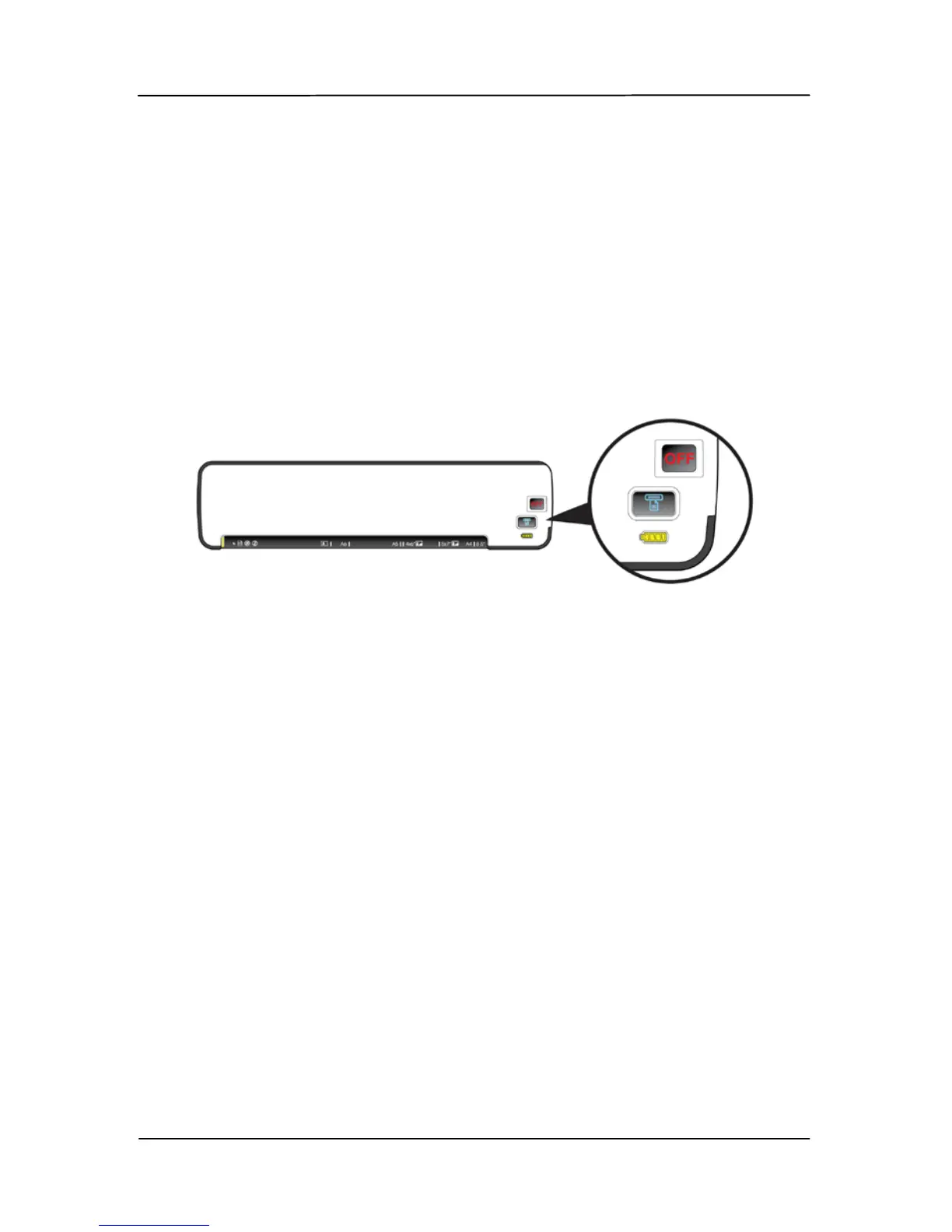
1. Turn the scanner off by turning the POWER knob to
“OFF”.
2. Turn the scanner to its back side.
3. Wet the supplied cleaning swab with some isopropyl
alcohol (95%).
4. Release the glass by pressing the button on the right side
with your right hand. At the same time, use your left
hand to insert the cleaning swab into the right end of the
glass and then slide the cleaning swab to the left end as
indicated.



 To Next Page