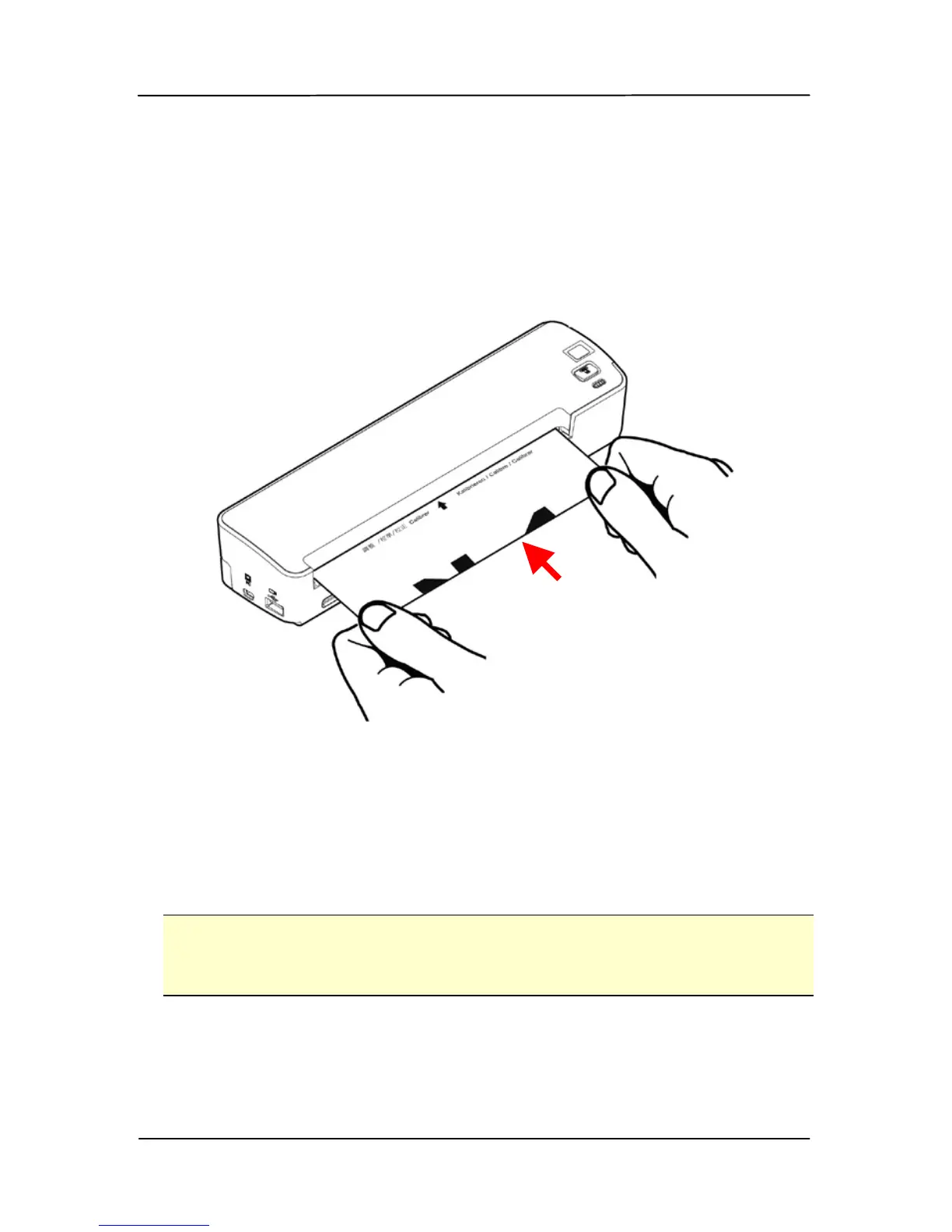
5. Insert the supplied calibration chart to the feeding slot in
5 seconds, as shown below.
Note: Please hold only the bottom-right and bottom-left
corner of the calibration chart with two hands as
illustrated. Do not touch the rest areas.
6. The scanner starts calibrating. After calibration is
finished, the system LED will be lit in green solidly.
7. Turn off and then turn on your scanner to reset the
scanner.
Note:
Keep the calibration chart clean. Any dirt may make the
calibration chart invalid or impact the calibration result.



 To Next Page