Or
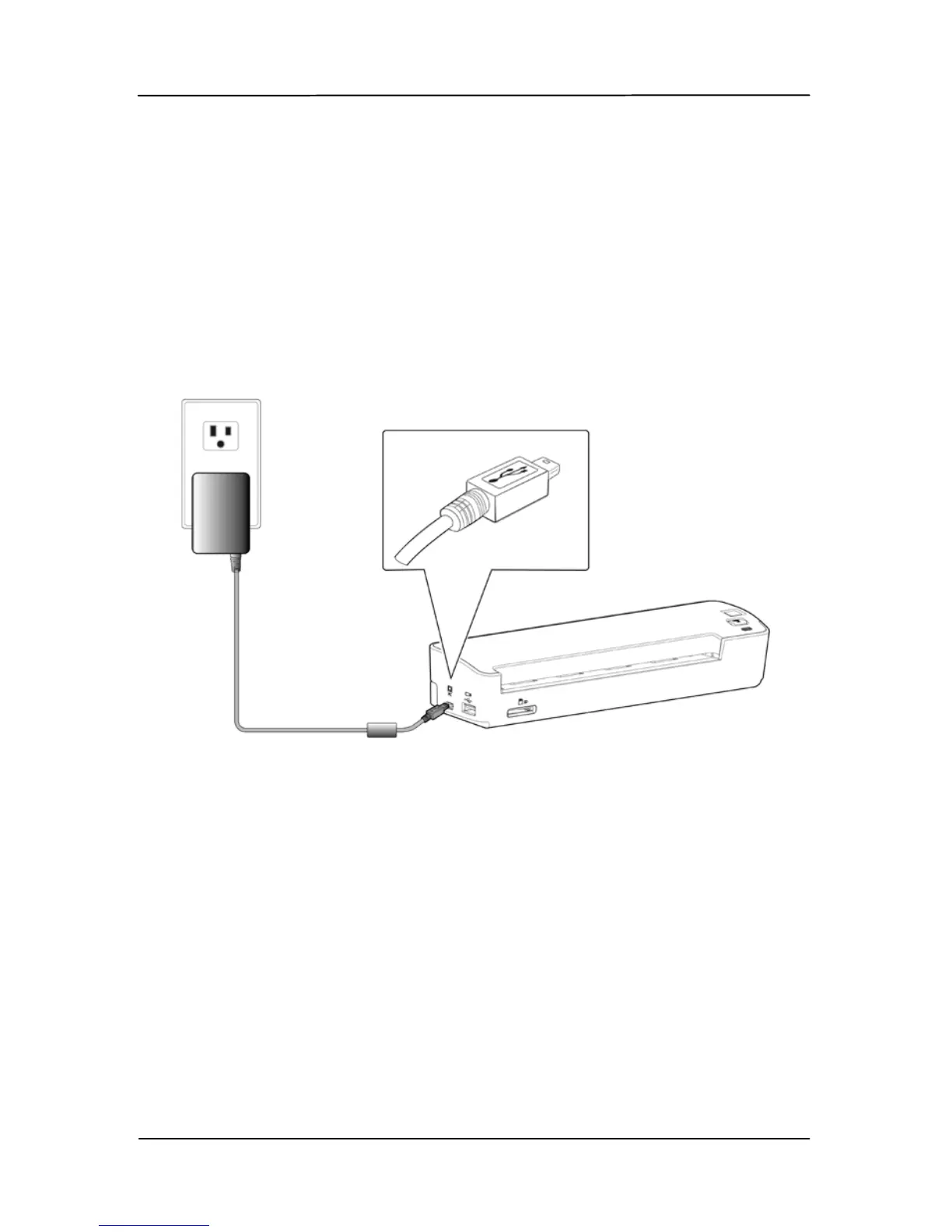
To charge the battery from the supplied power adapter, please
follow these steps:
a. Connect the mini USB connector of the supplied power
cable to the mini USB port of the scanner.
b. Connect the other end to a power outlet.
2. During the charging process, the battery LED light will be
lit in orange. When the power capacity is full, the battery
LED light will be lit in green.



 To Next Page