www.avision.com
No. 20, Creation Rd. I
Hsinchu Science Park 30077, Taiwan
Tel: 886-3-5782388 Fax: 886-3-5777017
Avision Vision Manager
Minimum System Requirements
.
Pentium III or higher
.
Windows
®
XP/2000/Vista
.
CD-ROM drive
Contents
.
@V2500 Scan Station
.
Power Supply
.
USB Cable
.
CD-ROM includes:
-Avision Vision Manager
-User’s manual
50-page ADF and flatbed
Max. 216 mm x 355 mm ( 8.5 in x 14 in )
Min. 114 mm x 139 mm ( 4.5 in x 5.5 in )
Max. 216 mm x 296 mm ( 8.5 in x 11.69 in )
600 dpi
8.5 MB Flash ROM, 192 MB DRAM
272 mm x 444 mm x 373 mm
10.7 in x 17.4 in x 14.6 in
6.2 kg ( 13.6 lbs )
Up to 1,000 pages
B&W 14 CPM
Color 5 CPM
Ethernet 10Base T/100Base TX auto-negotiation
TCP/IP, HTTP, DNS, DHCP
SMTP, MIME, LDAP
B&W 16 PPM
Color 16 PPM
PDF, JPEG, TIFF, PCX(B/W only), MTIFF
FTP, HTTP, CIFS, AVPP, HTTPS
B&W 16 PPM
Color 16 PPM
( ppm = pages per minute, ipm=images per minute, cpm=copies per minute, dpi=dots per inch )
Paper Feeding
Document Size (ADF)
Document Size (Flatbed)
Optical Resolution
Memory Size
Dimensions
( H x W x D )
Weight
Recommended Daily
Scanning Volume
Copy Spec.
Copy Speed
(200 dpi)
Network Spec.
Connection Interface
Protocols
E-mail Spec.
Communication Protocols
Scanning Speed
(200 dpi)
Supported File Formats
Filing Spec.
Communication Protocols
Scanning Speed
(200 dpi)
General Spec.
Scan-to-email from the @V2500
Connected to an ethernet network and a SMTP server,
the @V2500 allows you to digitize your document first
and then send the scanned image as attachment via
e-mail over the internet. With a touch of the e-mail key
and the selection of your recipients' e-mail addresses,
the document(s) is/are first scanned and converted into
an image file, and then transmitted to remote recipients
within minutes.
Scan-to-filing from the @V2500
With a touch of the Filing key and the selection of your
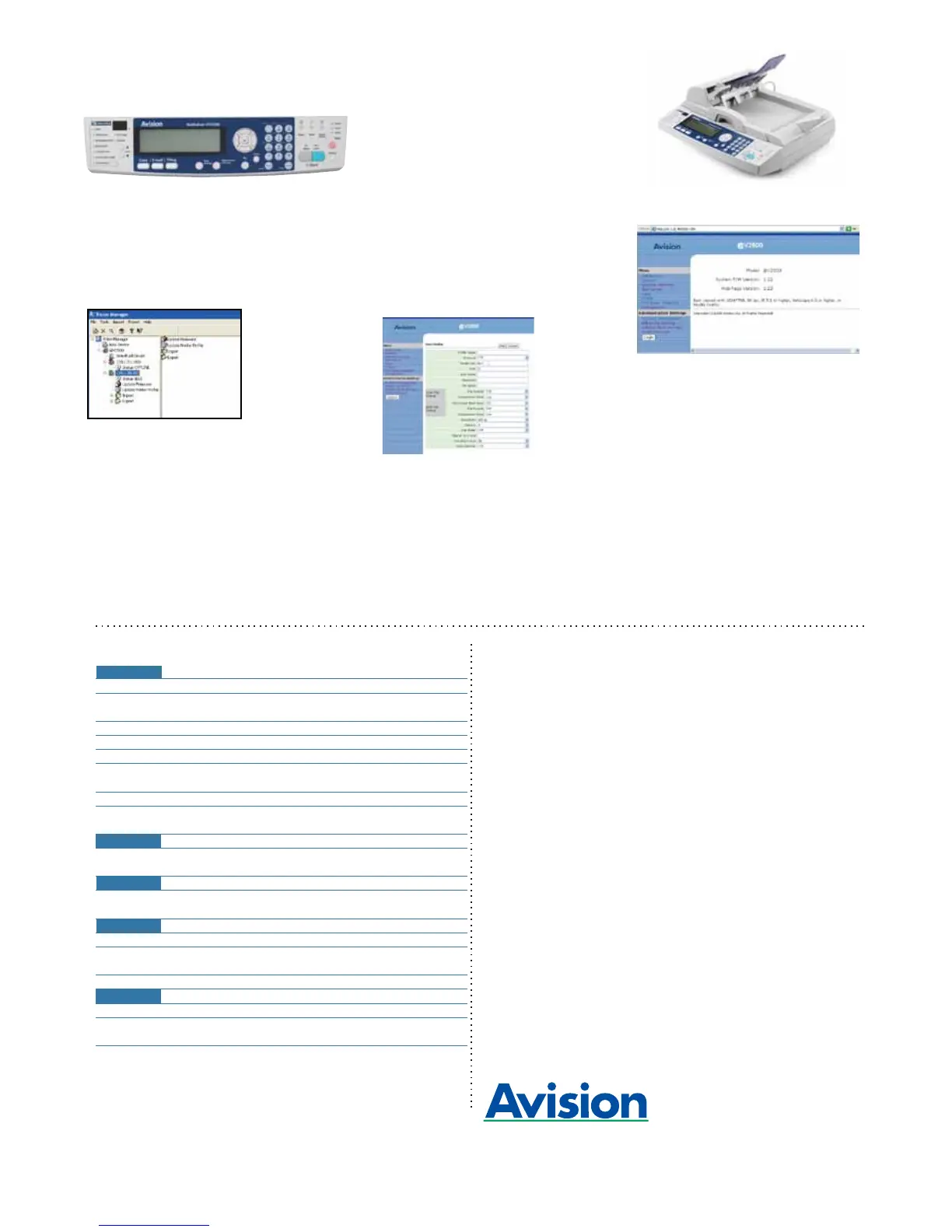
Avision Vision Manager
The Avision Vision Manager allows administrator to
easily configure each @V2500 on the network. What
is more, a long list of e-mail addresses or filing
destinations can also be imported or exported from one
Address Book/Profiles Manager
The product provides a convenient way to manage all
the e-mail addresses and profiles (filing destinations).
By simply typing the machine's IP address in the URL
field of your browser, the product web page will be
prompted. This web page allows you to create up to
2000 e-mail addresses and 50 filing destinations to
manage your document.
What we have bundled
The Avision @V2500 scan station comes with full
version of Vision Manager software application
developed by Avision.
Avision @V2500 Product Specifications
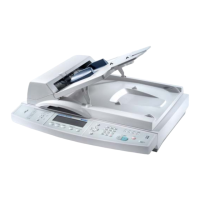
Avision @V2500 Scan Station
Adding a New Filing Destination
@V2500 Embedded Web Page
The registered brand names and product names mentioned in this document belong to each respective holder.
The information contained in this document(s) is subject to change without notice.
262-0040-0 V100
* The copy speed is measured when this model is connected to the laser printer Avision AM6120P.
@V2500 to another @V2500 on the network. In
addition, you can also update firmware and duplicate
the administrator settings from one @V2500 to another
@V2500.
destination server, your document(s) is/are first
digitized, and then stored to remote servers within
minutes. The scan-to-file feature off-loads the mail
server from handling large attachments.


 To Previous Page
 Loading...