9
© 2009 Directed Electronics. All rights reserved.
Using Your System
➢ Unlocking
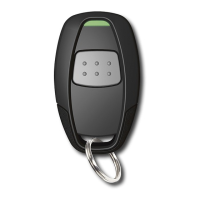
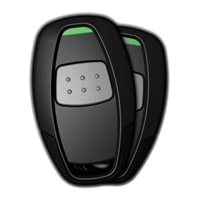
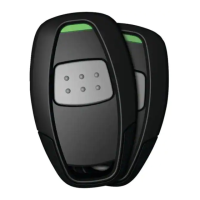
Only after the vehicle is remotely started via the remote control, press
and release the remote control button for 1 second to unlock the ve-
hicle’s doors. The parking lights will flash and the horn will honk twice
to confirm unlock.
Note:
Horn honk is an optional feature.
➢ Car Finder
Press and hold the remote control button for 3 seconds to activate the
car finder function (parking lights flash 5 times slowly). The remote start
must not be activated for Car Finder to work.


 To Next Page