27
Chapter 3
Programming
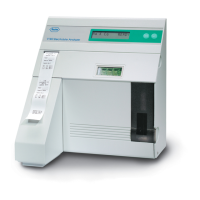
Your AVL Electrolyte Analyzer comes preset to
easily and accurately perform sampling operations.
Through the programming menu, you have the capa-
bility to input additional information or parameters to
tailor the instruments performance to match the
particular needs of your lab.
Programming the analyzer allows you to select the
third testing channel and to modify quality control
ranges, normal values and correlation factors. You
can also program the operation of the printer.
Note: For safety and security, the analyzer can only
be programmed or have existing parameters changed
by entering the correct password via the control panel
keypad.
Accessing programming functions
From the READY display, press NO until the prompt
PROGRAM INSTRUMENT? is displayed. Press
YES.


 To Next Page
 Loading...