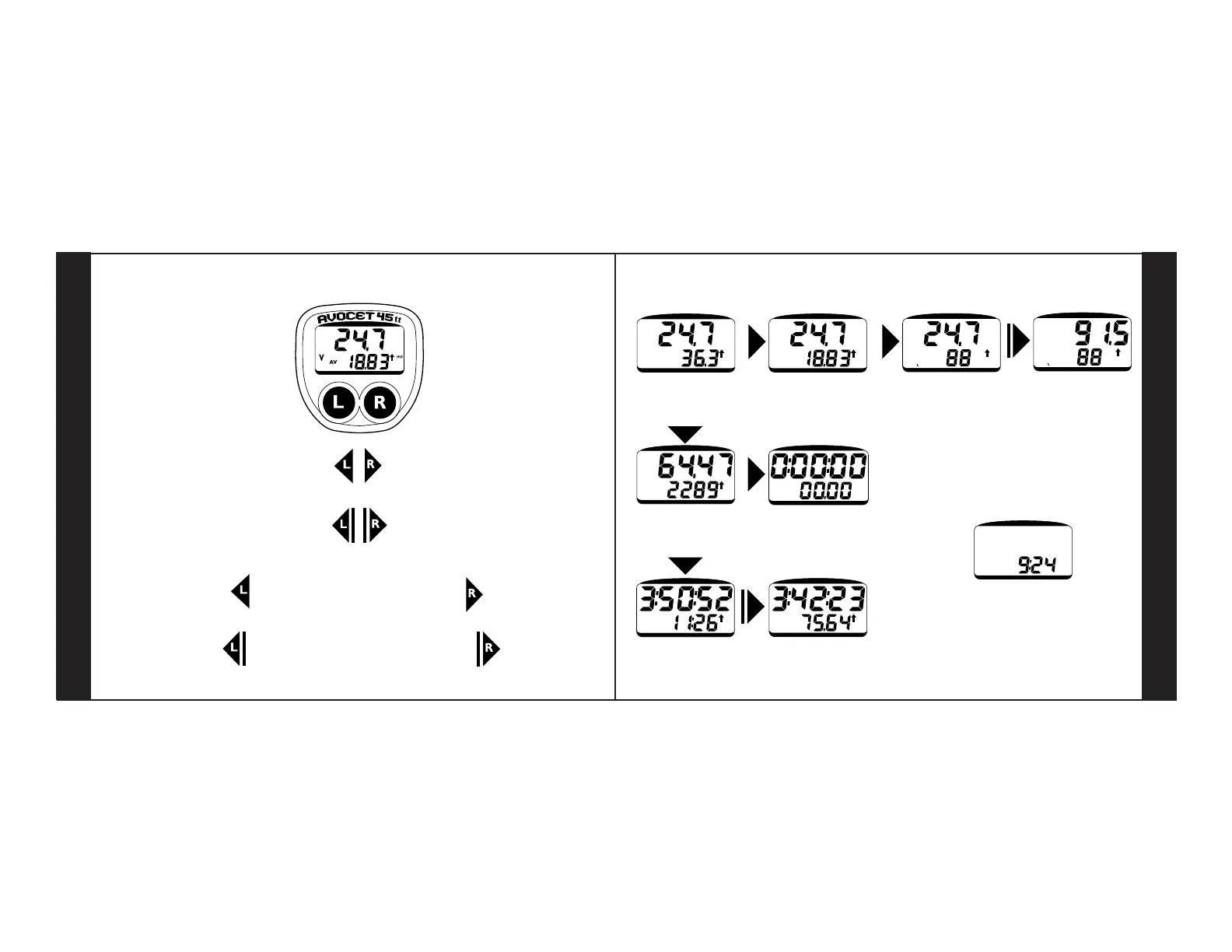
HOLDING BOTH BUTTONS
Resets all functions except Total Distance
Reaches setup
PRESSING BOTH BUTTONS
Resets functions individually
PRESSING RIGHT BUTTON
Moves between speed, distance and time
Moves from one setup function to the next
HOLDING RIGHT BUTTON
Reaches clock set from the time function
PART I–OVERVIEW
PRESSING LEFT BUTTON
Selects speed and distance functions
Starts and stops timer and changes setup
data
FUNCTIONS
21
HOLDING LEFT BUTTON
Reaches Gear-Inch and Riding Time
In Setup reaches Distance Setup
BUTTONS
FUNCTION SUMMARY
L
R
R
L
L
V
mi
AV
V
MX
mi
V
mi
PM
P
mi
PM
P
SPEED
Maximum Speed
SPEED
Cadence
GEAR INCH
Cadence
SPEED
Average Speed
D
mi
mi
TRIP DISTANCE
Total Distance
TIMER
Clock
RIDING TIME
Riding Distance
1a
2a
1b
3a
3b
1d
OPTIONAL
1c OPTIONAL
D
mi
L
L
DESTINATION TIME
Destination Distance
2b
Cadence and Gear-Inch functions are optional and
require the cadence mount kit
Cyclometer displays the Clock
after 1-2 hours of inactivity
ENERGY SAVER



 To Next Page