- 64 -
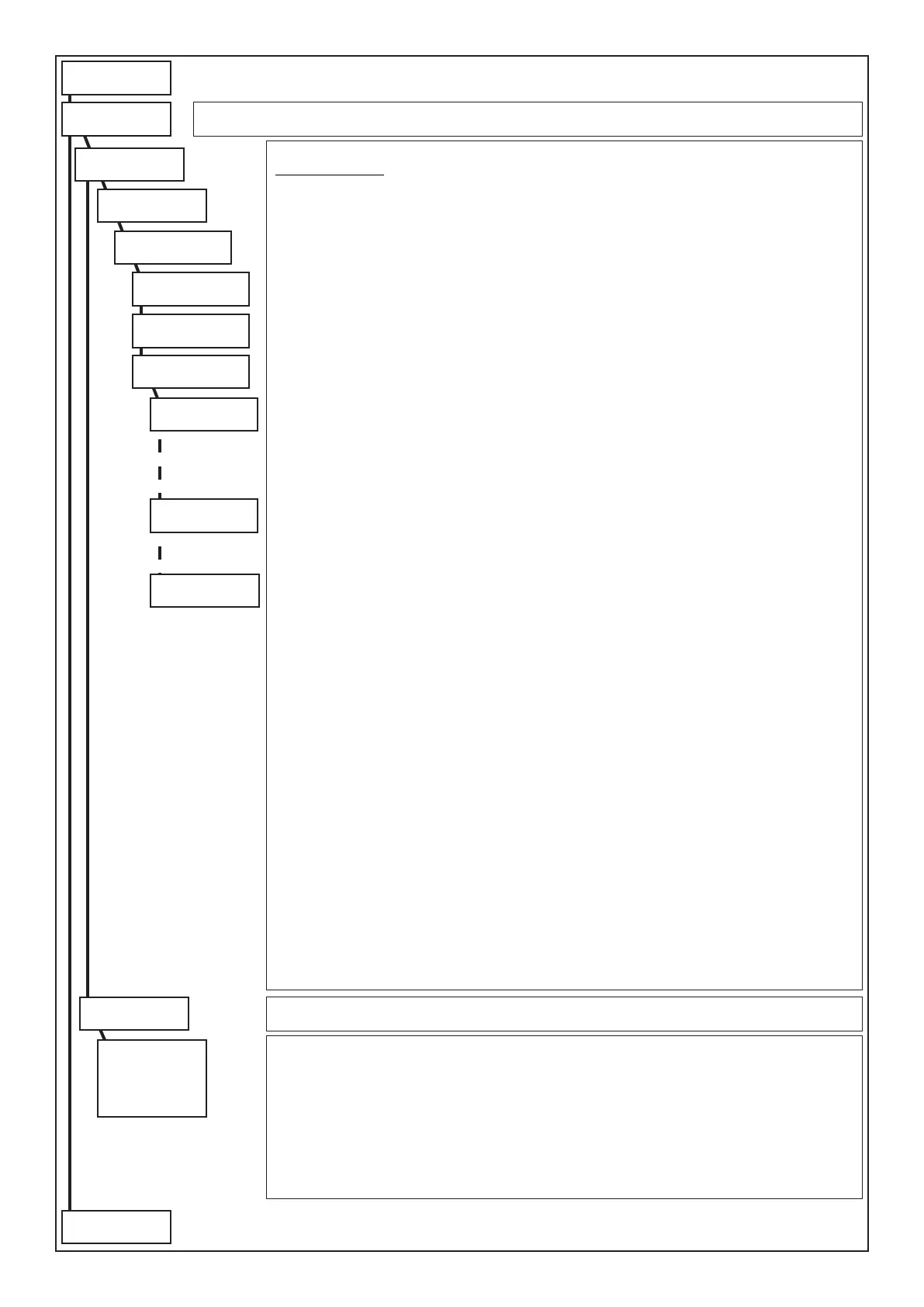
Programm. Timer
ENT
Operations
ENT
Day #
1 (1.. 7)
Operation Hours :
0 (0 .. 23)
Operation Min. :
0 (0 .. 59)
O.C. #
1 (1 .. 8)
Operation Type:
Disarm. Part.
Operat. #
1 (1 .. 16)
Partition #
1 (1 .. 8)
Timer
Shift #
1 (0 .. 15)
The Timer has the possibility of managing the automatic armings of the system and the activations of the OC.
OPERATION TYPE
• NO OPERATION: no operation is carried out.
• ACTIVATES O.C. (from 1 to 32): to select the wanted output, conrm with (ENT) and press the arrow
button downwards, then press (CLR), enter the number of the O.C. and conrm with (ENT).
Attention: the O.C. output in this way associated must be programmed as “O.C. timer” so that it cannot be
controlled by the User Code, or “OC user” so it can be controlled by the User Code, with a programmable time.
• DEACTIVATES O.C. (from 1 to 32): deactivates the O.C., subsequently programmed • Part. arm. ann.:
activates the keypads buzzer in the time programmed in “Warning Duration”.
Example: If having to warn the activation of an O.C. output a few minutes in advance, program the operation
“Inclusion Warning” at the wanted time.
Example: (22:25 - Inclusion Warning) and (22:30 - Activation O.C. 12)
• Arm. ON Part. • Arm. HO Part. • Arm. AR Part. • Arm. PERI Sect.: Arms the selector in ON-HOME-AREA-PERI
• Disarm. Part.: Disarms partition
• Start shift (from 1 to 15): to select the start of the partition for which the User Codes and the Audio of
the A500 Plus keyboards are enabled, conrm with (ENT) and press (CLR), enter the number of the time
band and conrm with (ENT). Press (ESC) to exit.
• End shift (from 1 to 15): to select the end of the partition for which the user codes and the Audio of the
A600 Plus keyboards are enabled.
Extraordinary Activation: While the warning time upon arming is sounding, a Code must be entered
enabled for the inclusion of the extraordinary (see “Prog.User Code/ ... /Activate Extraord.” with a “YES”)
and key (8) must be pressed.
Every time arming is delayed by 1 hour for a maximum of 3 times. According to Standard CEI 79.2, the
arming delay can be maximum of 180 minutes.
Disarms Active Timer: By entering a Code enabled for the disarming of the Active Timer (see “Prog.User
Code/... / Disarms active Timer” with a “YES”), the User Code is allowed to disarm the system, even when
the system should result armed by Timer.
Functioning modality: The Timing Programmer blocks in the case of an event and reports it on the hone
to the numbers programmed (See Telephone /Associate events /Switching off ON).
Functioning modality: With Conform.EN50131 set to YES: if an event is present at switch-on, the Timing
Programmer blocks and reports non-insertion on the phone to the programmed numbers (see Telephone /
Associate events / Switching off ON). With Conform.EN50131 set to NO: If an event is present at switch-
on, the Timing Programmer performs insertion even with the “Conditioned switch-on” set to YES.
N.B.: the possibility of switching off a switch-on commanded by the Programming Timer from the keypad
or from an external key can be programmed in the User Proles and Activators > Switch-on zone menu.
The week day automatically synchronises with the date set in the system and makes the programming
days correspond as follows:
(1) Mon - (2) Tue - (3) Wed - (4) Thur - (5) Fri - (6) Sat - (7) Sun
In this way, by programming day 3, the operations to be carried out on the Wednesday are programmed.
(ATTENTION IN ENTERING THE DATE CORRECTLY)
Press (CLR) to vary
Enter number to be set
To access other entries press () or ()
Press (ENT) to conrm
Copy from Monday
ENT
Copy from Monday
to Friday
or
to Sunday
Copy from Monday
Copy from Monday:
• To Friday: copies all operations programmed for day 1 to day 5.
• To Sunday: copies all operations programmed from day 1 to day 7. To disable the timer, program every
operation for day 1, with the “No Operation” modality, and use the function “copy to Sunday”.
Press (CLR) to vary
Enter number to be set
To access other entries press () or ()
Press (ENT) to conrm
to following
page
from previus
page



 To Next Page