30
1
2
3
4
5
6
7
8
9
10
11
12
13
14
15
032
--
--
--
--
--
--
--
--
--
--
--
--
--
--
--
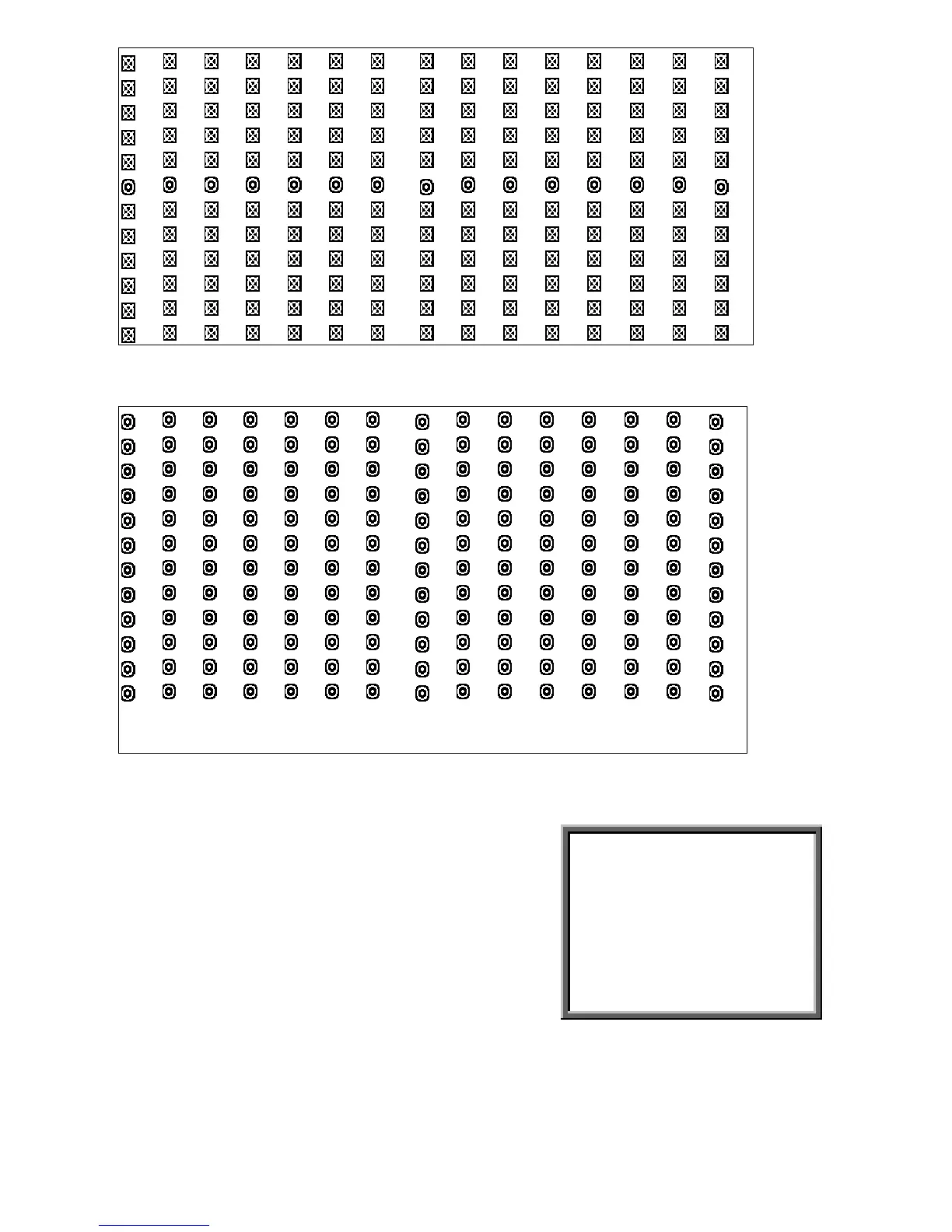
Figure 1-3 MOTION DETECTION SETUP –
ALL
1
2
3
4
5
6
7
8
9
10
11
12
13
14
15
032
--
--
--
--
--
--
--
--
--
--
--
--
--
--
--
3.11 Event
3.11.1 Enter “ Event “ list
Press
”MENU”
to enter main menu. You will
need to enter password to access main menu.
Press “
Left
” or “
Right
” to move digit, and
to press”
Up
” or “
Down
” to select number. To
press
”ENTER”
button to confirm password.
Ex.: Password: 0000 (Default: 0000)
PASSWORD : 0000



 To Next Page