Viewing Recordings
To view any recorded programmes, press the List button
on the remote. (Depending on file size there can be a small
delay displaying the list). Highlight the wanted programme
and press Info will display programme details. To watch
highlight the programme and press play on remote control.
To delete, highlight in the list and press the RED button.
Pause Live TV
To pause live TV, press the Time Shift button, the
programme will stop. To continue watching press the
Play button and the programme will resume. To return
to live TV press the Stop button.
Please note:
If a memory device is inserted into USB this will take priority
and prevent the possibility to fully utilise the "Watch and
Record" feature.
To record one satellite channel and watch another will
require a twin LNB satellite system.
Recorded list Programme
DELETE
INFO
LIST
OK
EXIT
The Darling Buds of M...
25
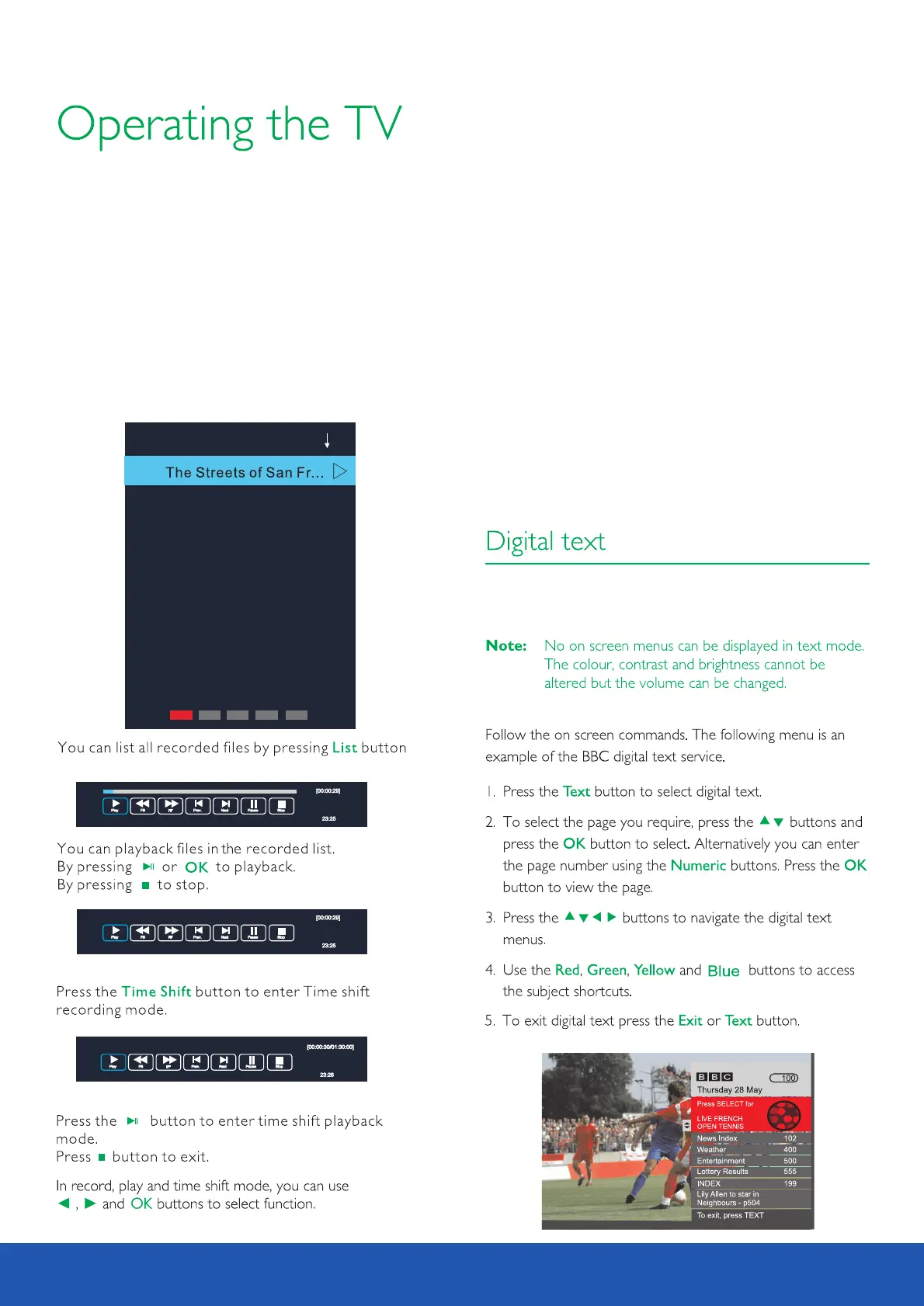
Digital text is an information system that display s text on your
TV screen.



 To Next Page