the setup key on the remote .
Select Disk C:
Format Pass
Time Shift Size ALL
Speed HD support 2730KB/s
Max record time 6Hour
Insert
to
Check PVR File System Start
Format
Max record time 6 Hour
SETUP
SETUP
Check PVR File System SUCCESS
C:
Scorll down through the menu using the keys to
Digital TV or Satellite TV.
Allows you select USB disk or HDD size for recording.
Pressing to change.
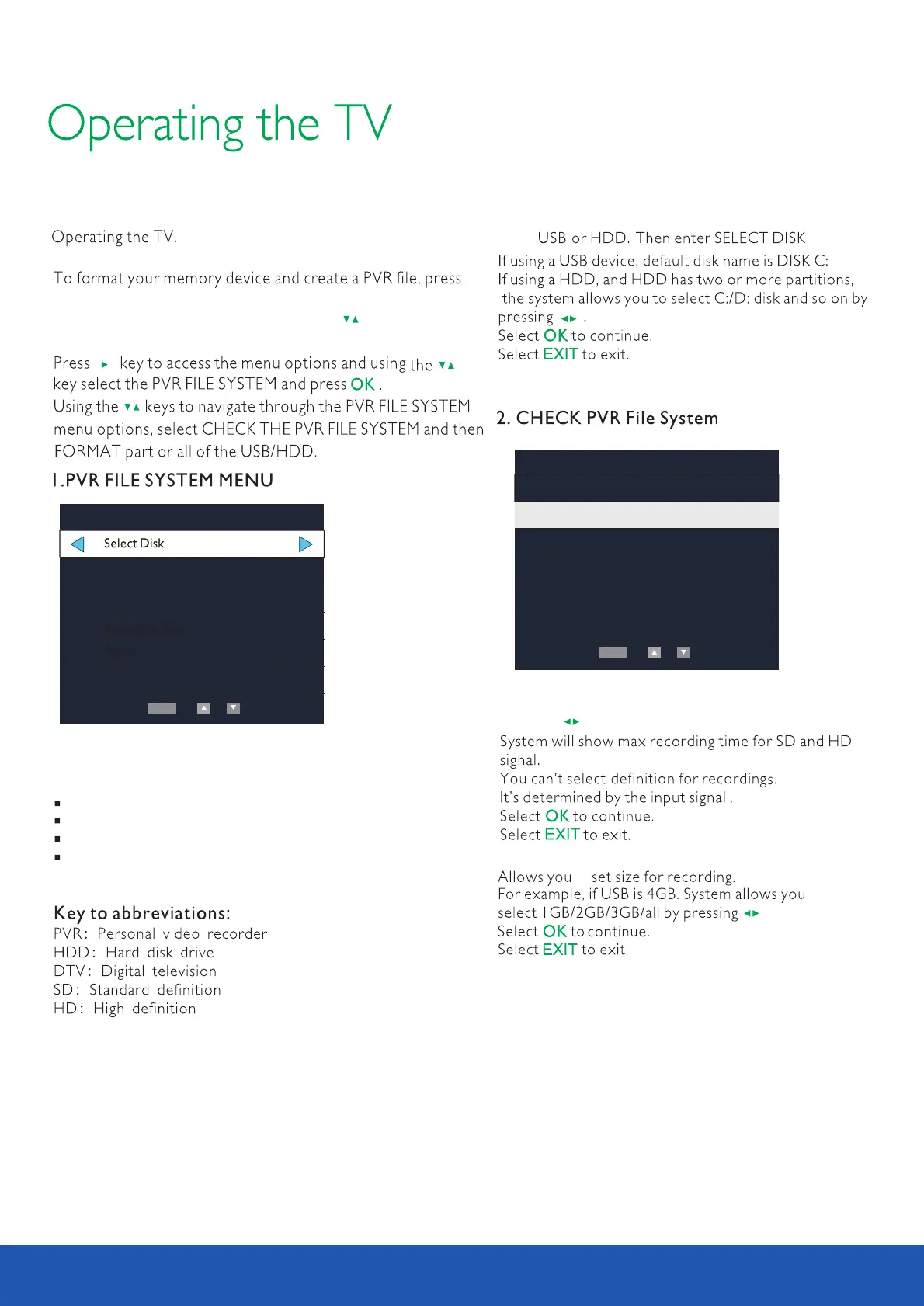
Select Disk will select the destination disk for recording
TV program.
Check PVR File system.
Format will format the disk.
Max record time will limited the max record time.
After recording, press button to display files
information. Pressing button to display details.
list
info
Note : USB must be in USB (not USB REC) to format
28



 To Next Page