17
SETUP
PVR File System
Select Disk C:
Check PVR File System Start
Format
Max record time 6Hr.
USB Disk
Time Shift Size
Speed
10.1 inch TV/DVD user guide
Plug in USB disk or HDD.Then enter SELECT DISK.
PVR File system
Select Disk C:
Select Disk
Disk C:
OK Cancel
Max record time 6Hr.
SETUP
PVR File system
Select Disk C:
File System Size
All SD 107 min. HD 30min.
OK Cancel
Max record time 6Hr.
SETUP
PVR File system
Select Disk D:
Select Disk
Disk D:
OK Cancel
Max record time 6Hr.
SETUP
Operating the TV.
Recording to a memory device.
When inserting a memory device for the first time you may
receive a message FORMAT VERSION CH NGED. Before A
recording can take place the inserted USB or HDD needs to
be formatted.
To format your memory device and create a PVR file, press
the setup key on the remote whilst in DTV mode. Scroll down
through the menu using the keys to DTV SETUP.
Press key to access the menu options and using the
key select the PVR FILE SYSTEM and press
OK .
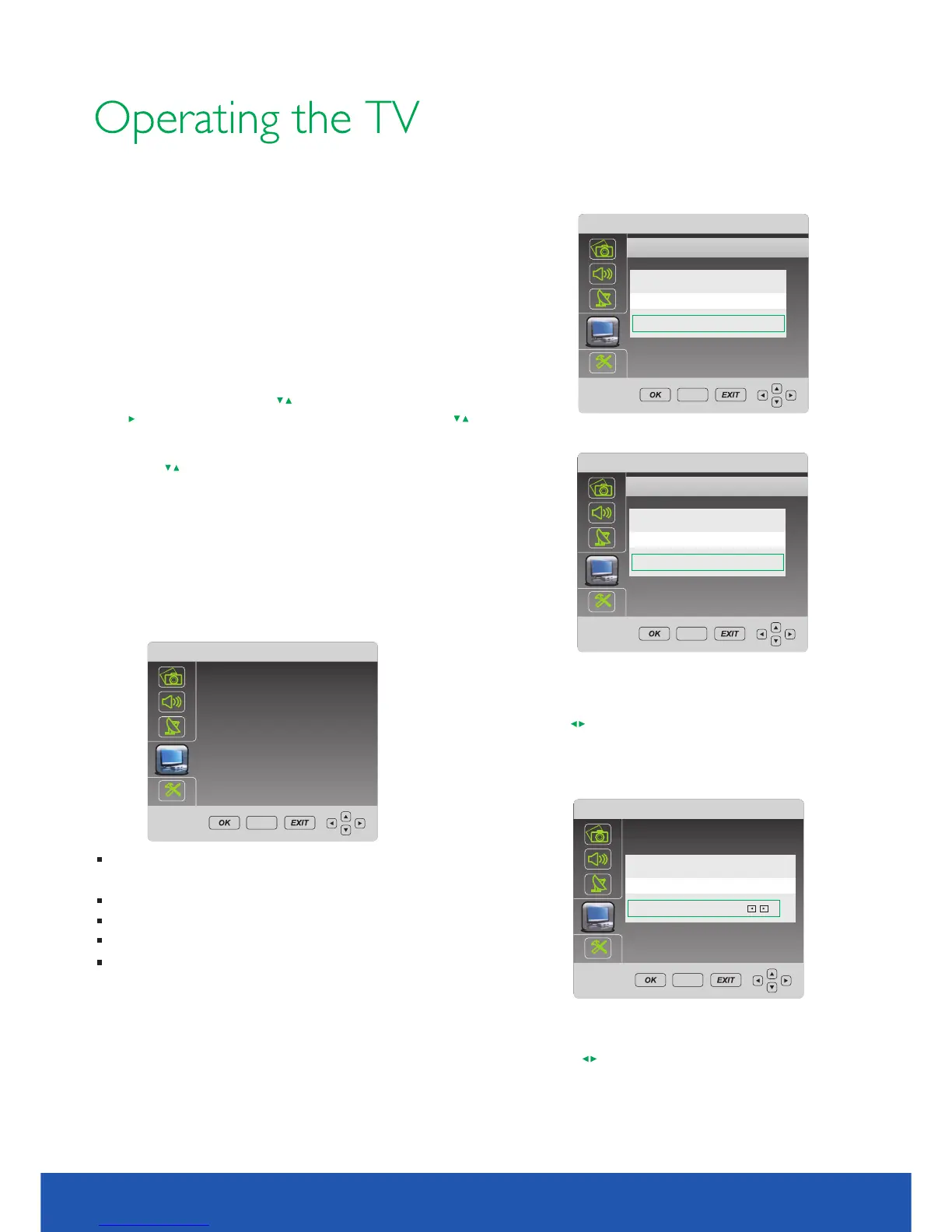
1.PVR FILE SYSTEM MENU
2. CHECK PVR File System
Using the keys to navigate through the PVR FILE SYSTEM
menu options, select CHECK THE PVR FILE SYSTEM and then
FORMAT part or all of the USB/HDD.
Once this procedure is complete, the PVR function on the
TV will allow you to record content to a USB or HDD. This
can be done using the instant record button on the remote
or by scheduling a recording in the program Guide.
Select Disk will select the destination disk for
recording DTV program.
Check PVR File system.
Format will format the disk ready for recording.
Max record time will limit the max record time.
After recording, press blue color button to display files
information. Pressing button to display details. info
If using a USB device, default disk name is DISK C:
If using a HDD, and HDD has two or more partitions,
the system allows you to select C:/D: disk and so on by
pressing
Select OK to continue.
Select Cancel to exit.
.
Allows you select USB disk or HDD size for
recording.
Pressing to change.
System will show max recording time for SD and HD
signal.
You can’t select file ‘s definition for recording.
It’s determined by the input signal .
Select OK to continue.
Select Cancel to exit.



 To Next Page