14
USB MEDIA
USB Media Player
Connect a USB storage device to the USB port on the TV to enjoy the content files stored on
the USB storage device on your TV.
Support format: jpeg, jpg, jpe, png and bmp for photo,mp3, wav, ogg, wma, flac for music, asf,
avi, mp4, 3gp, mkv, ts, mpg, vob for video.
Using Photo Player
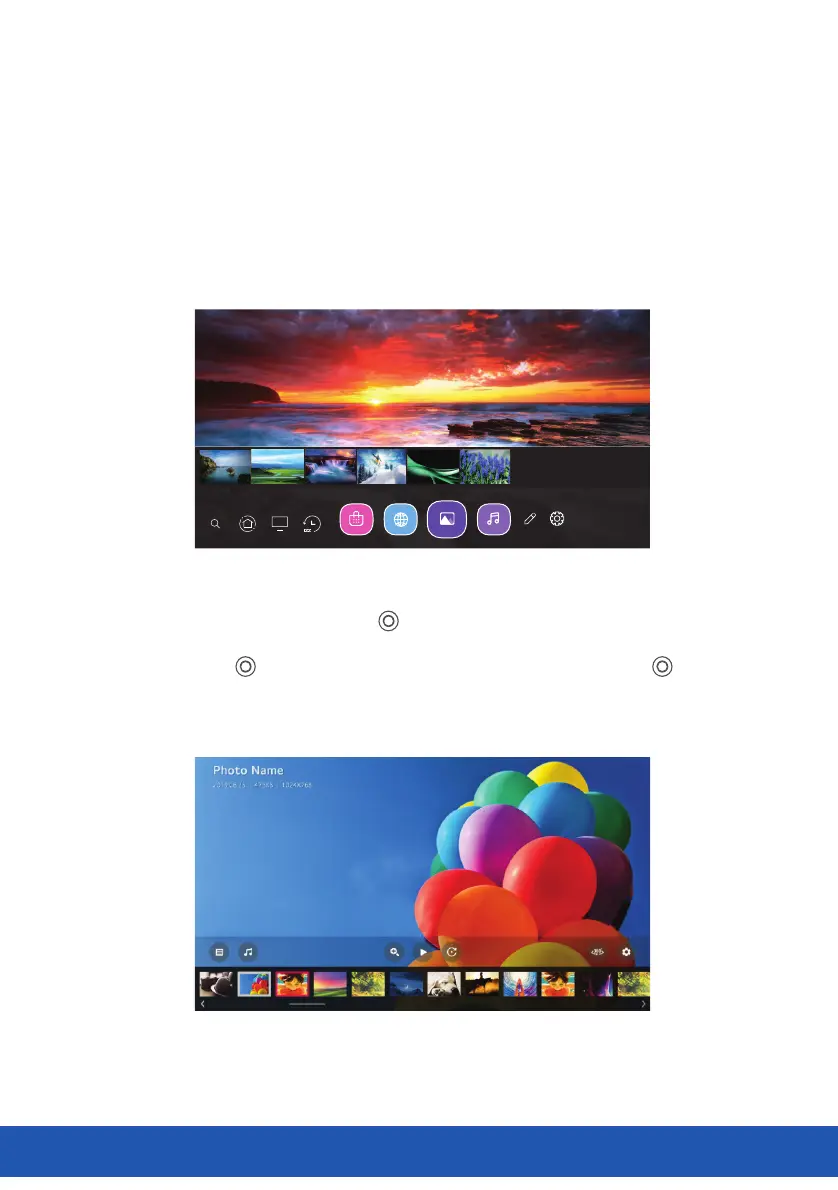
Selecting Photo & Video app and press ( ) button to enter the menu. You can view your
saved photos.Press Arrow buttons to select the file you want to watch in the file selecting
menu, then press ( ) button to start playing. When playing media, press the ( ) button
to display and operate file details.
Picture&V ideo
19



 To Next Page