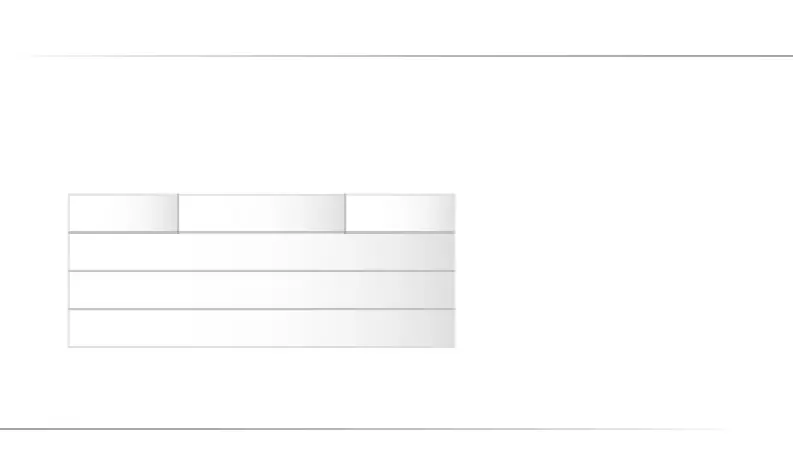
The display has six areas: The status of the mobile telephone is indicated in the top area, the middle area shows
call numbers or text messages, and selection functions in the menu or for the function keys are displayed at
the bottom.
1. Signal Status
2. Battery Status
3. Certain Flowing Signals
4. Time
5. Date
6. Menu
1 3
4
5
6
2
7. Display and Status Symbols
19
C12_Betriebsanleitung_ENG_end.indd 19 29.10.10 01:35



 To Next Page