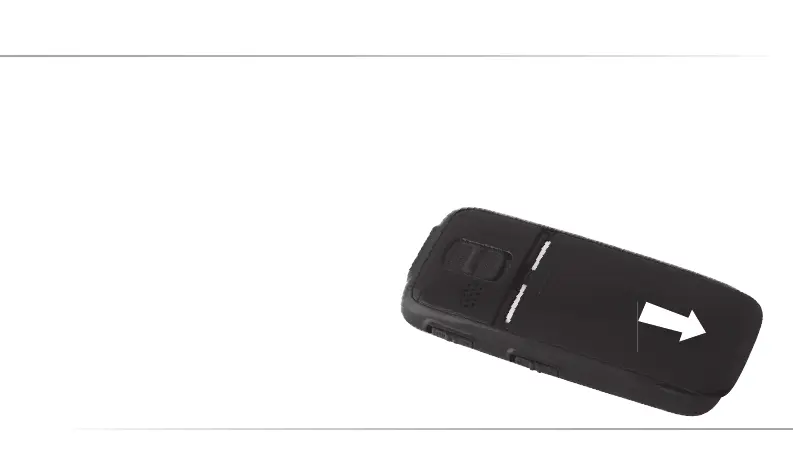
To protect the battery during transport it is not inser-
ted in the mobile telephone. In case the dealer from
whom you purchased the telephone has not already
inserted the battery, follow the following steps.
1. Remove the battery cover on the back side by
sliding it to the case‘s base.
8
4. Inserting the Battery and the SIM Card
C12_Betriebsanleitung_ENG_end.indd 8 29.10.10 01:35



 To Next Page