26
Dear Customer!
Congratulations on your purchase
of AVUS C22 telephone!
You have made the right decision.
Included in-box:
Mobile telephone, Traveler charger,
battery, instructions
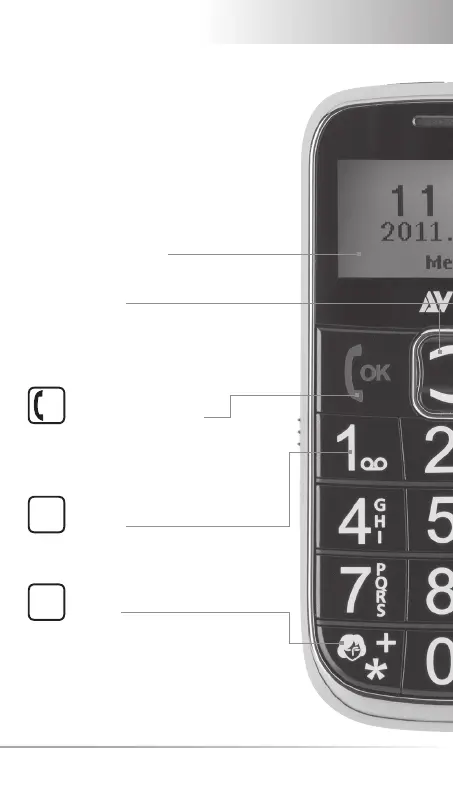
Pick-up/OK-Key
- Make call or take call
- In menu: Confi rm selection
- On standby: Enter dialed numbers
Arrow Keys
- On standby: Enter the menu
- On standby: Enter the phone book
- Scroll in menu and phone book
- Key
Press and hold to connect
with voice mail
- Key
- On standby:
• Press and hold for quick dial key
• For SMS: Special characters
• Radio: Scan (fi lter) sender
Display (Screen)
OK
1
*



 To Next Page