31
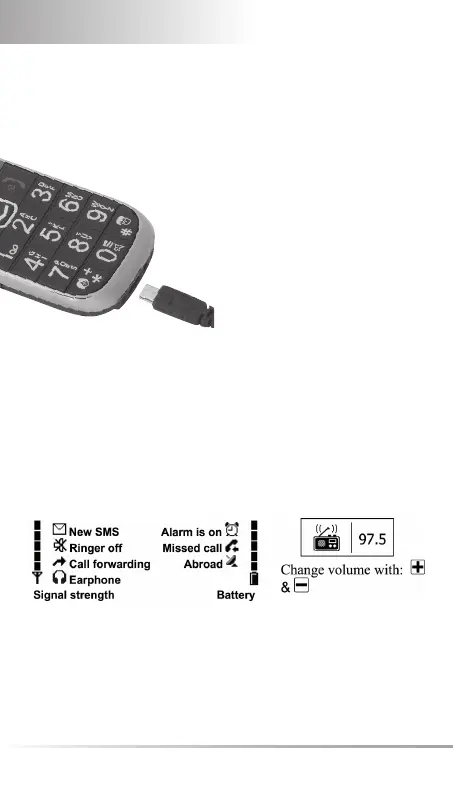
Insert the charger cable in the
socket on the underside of the
handset.
During charging: Bars moving
on display.
Full battery: Bars are solid.
Charge battery for at least 4
hours before making/receiving
fi rst call!
2. DISPLAY SYMBOLS (SREEN)
Standby:
Radio:



 To Next Page