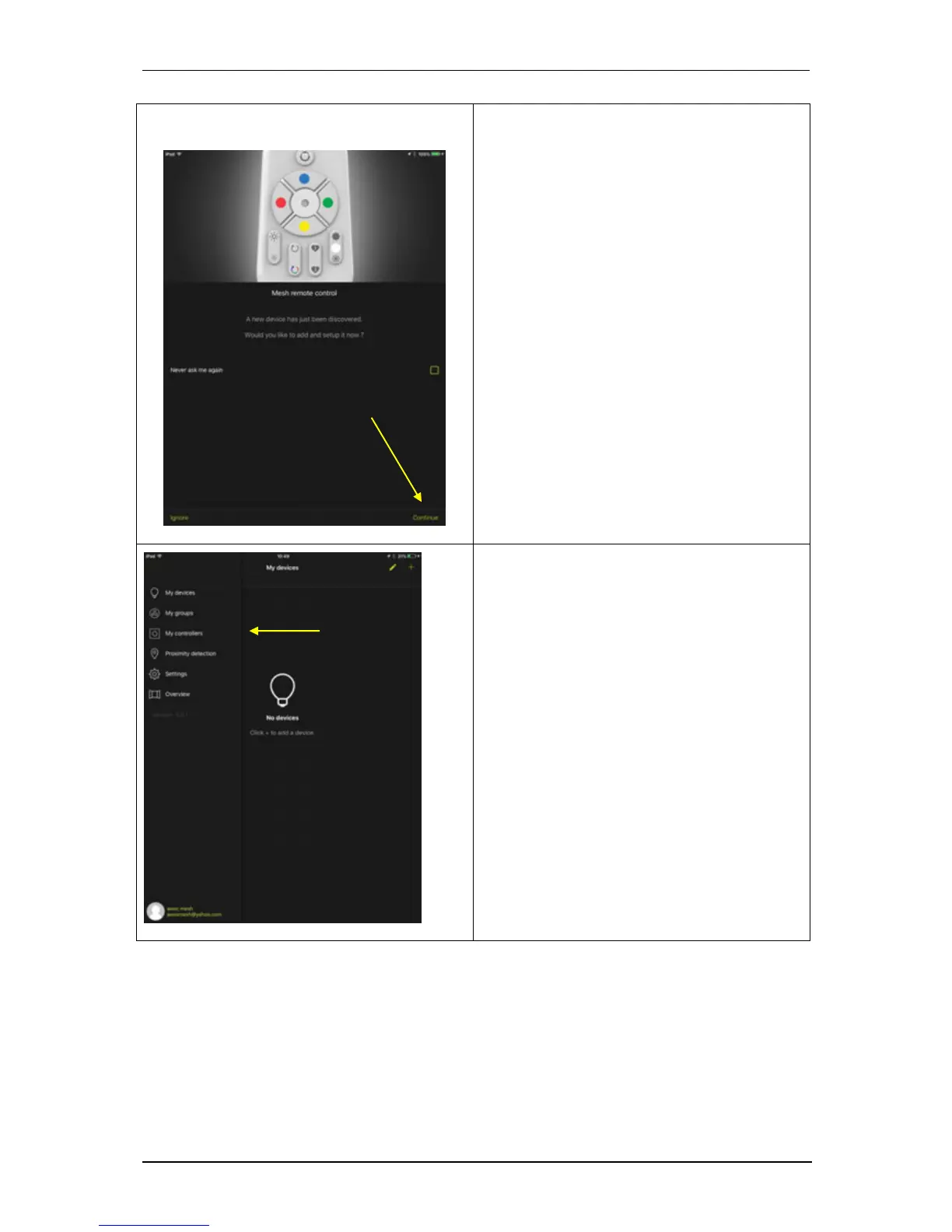
2. Once the account is created, the
application detects that you have a
remote control and a bulb at least.
Click Continue and you will be
automatically directed to the My
controllers menu.
Automatic detection may not occur if
the bulb is not within the scope of your
smartphone or if you have previously
turned off automatic light bulb
discovery. In this case, if the application
does not detect anything, go to step 3.
If you check the 'Do not ask me again'
box and click ignore, the application will
exit the installation wizard and will no
longer automatically install new devices.
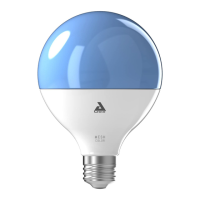
3. If the detection in step 2 above does not
occur, select the My controllers entry
from the menu. Otherwise, go to step 5.



 To Next Page