Article:
E46DGA
Author:
Awron GmbH
Version:
V1.0
Date:
21.11.2015
10Page:
Key functions
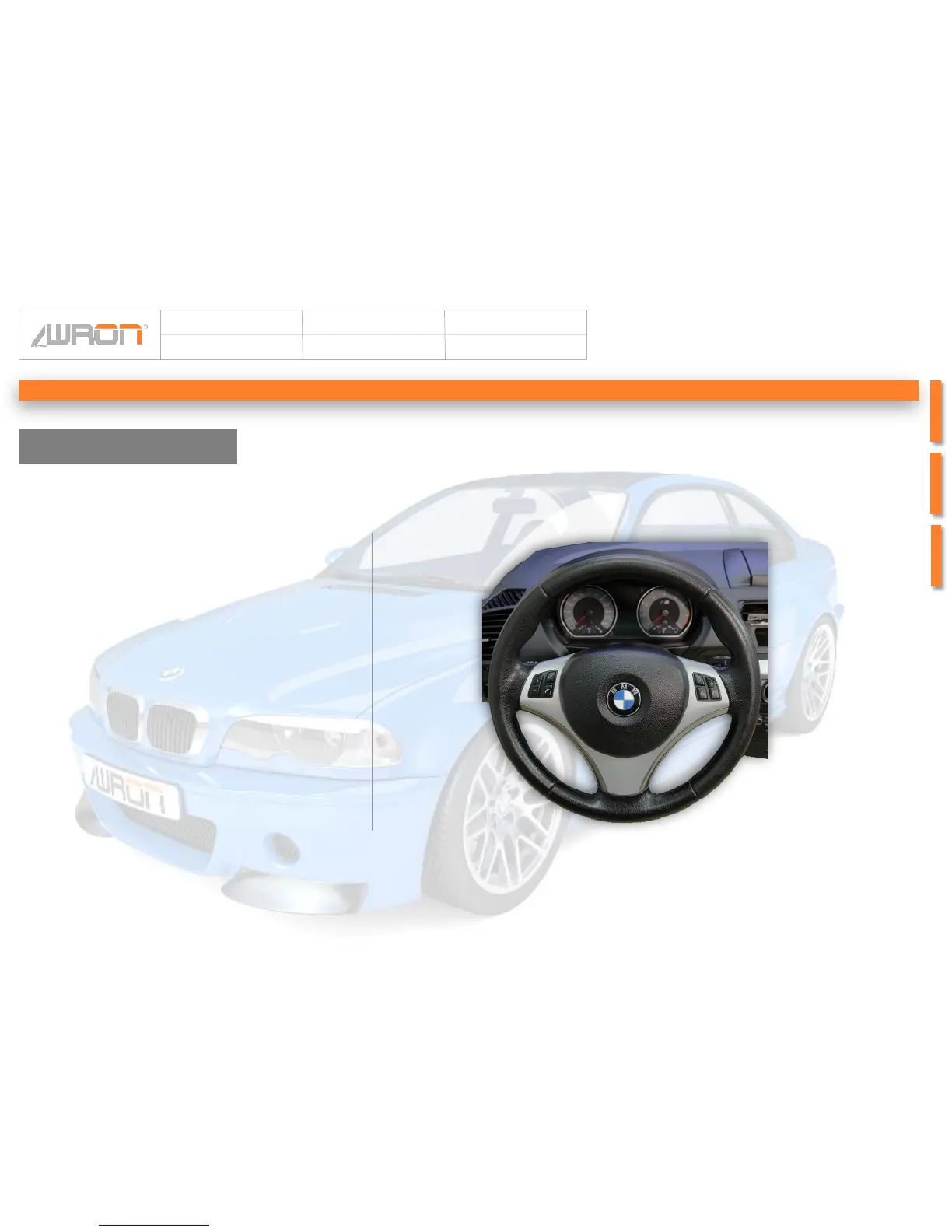
To operate the Display E46DGA you just have to
use the sterring wheel buttons. Each a press of a
specified button ( for example the hash key) is
enough, to switch between the displays. This allows
an easy handling and ensures the control of the
vehicle by the driver.
Assigment of keys:
The buttons of the left, as well as by the right-hand
wheel block can be used. By 5 seconds press any
key, it is applied to the operation. The display
reports the adoption of the key acoustically.
Diagnose Mode:
Hold 10 seconds again to activate the workshop
mode. The message „ DIAGNOSE MODE AKTIV!“
appears in the display.This allows vehicle work with
the BMW- diagnose device. The diagnostic mode is
finished by on and turn off the ignition
Dimming:
To adjust the dimming, you have to press the
allocated button for 3 seconds and an acoustic
signal is heard. In the space of another 3 seconds,
you can regulate the dimming by pressing the
button. 3 Different levels are selectable.
By longer wait for 10 seconds, the dimming mode is
deactivated.
Operating concept


 To Next Page