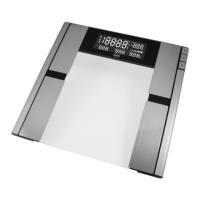
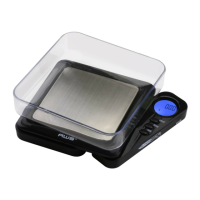
I. SCALE OPERATION
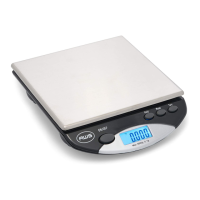
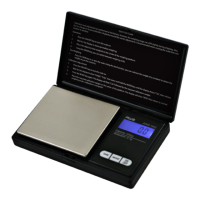
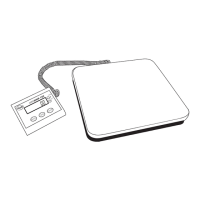
Place the scale on a horizontal at surface.
1. Press the [ ] key to turn the scale on.
2. Wait until “0.0” or “0.00” is displayed.
3. Place the object(s) on the weighing platform.
4. By pressing the [ M ] key, you can switch between
weighing units.
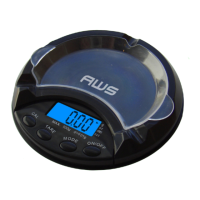
5. The removable covers can also be used as
weighing trays.
II. TARE WEIGHING
1. Turn on the scale as described above.
2. Place a tray or container on the scale platform.
3. Press the [ T ] button. “0.0” or “0.00” will be
displayed.
4. You can now add items to the container or tray to
obtain just the weight of the contents.
5. When the container is removed, a negative number
will be displayed. Press [ T ] again to zero the scale.
III. CALIBRATION
This scale has come pre-calibrated at the factory. Only
re-calibrate if you are experiencing trouble weighing.
AC-650 uses a 500g calibration weight
AC-100 uses a 100g calibration weight
1. Turn the scale OFF.
2. Press and hold the [ M ] and [ ] keys together
until the display shows a random number (ISN #).
3. Make sure nothing is on the platform and press the
[ ] key once.
4. The display will show “Zero” followed by the


 To Next Page