Pro
rammin
and Navi
ation
7
(MEM) MODE. Toggling this button will change the functions of the
other soft buttons appropriately.
b. MENU (bottom left oval) will take you to the main menu system.
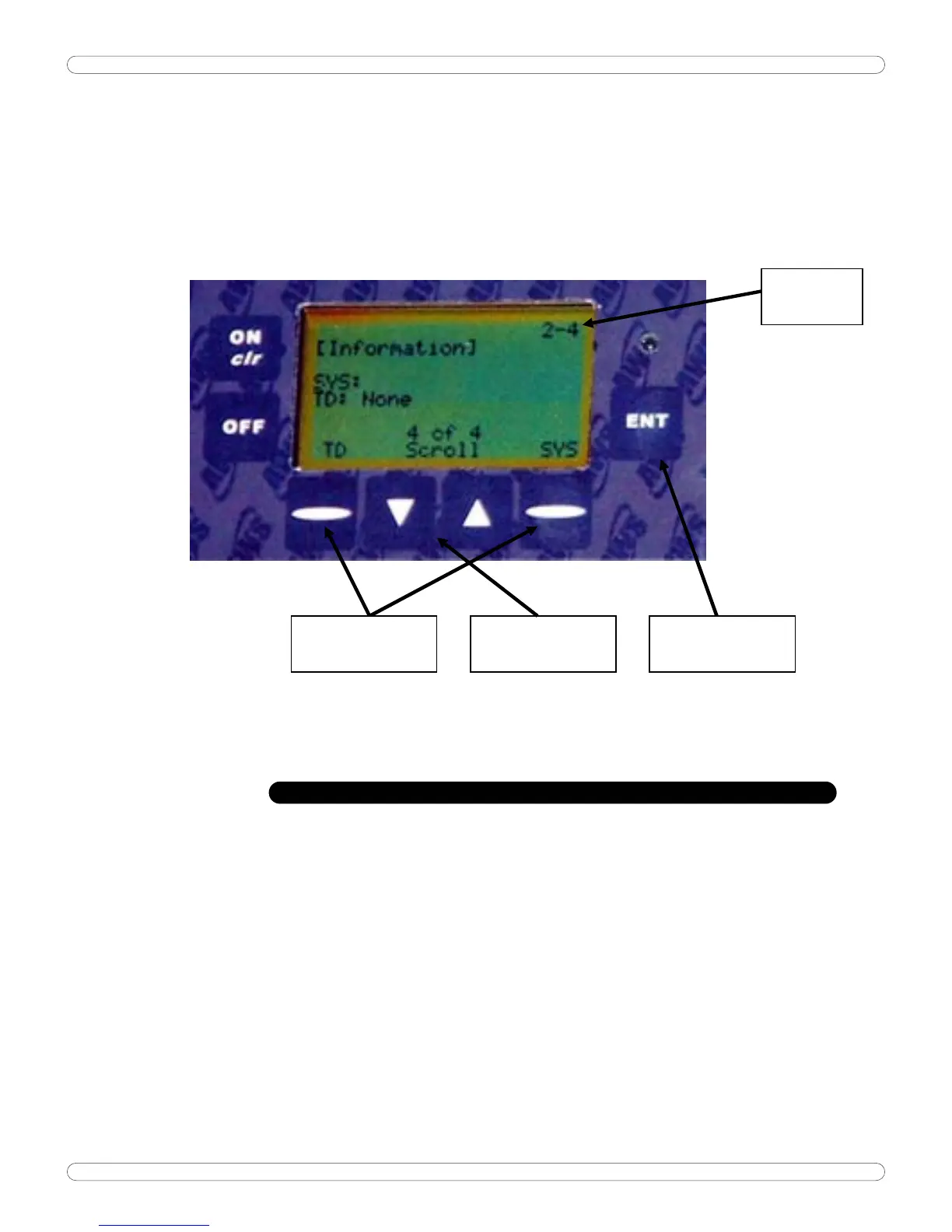
Shown below is a sample of one menu screen
MENU
LOCATION
MENU SCROLL
BUTTONS
MENU ACTION
BUTTONS
RETURNS TO
PREVIOUS MENU
MENU TREE
Operation Overview: There are 7 buttons on the display face: Off, On/clr, ENT
and four (4) programmable or ‘soft’ buttons. The exact function of the soft
buttons is defined by the bottom two rows of text and will vary depending on the
current mode of operation. Pressing the ENT button will take you back to the
previous screen, until you return to the run mode.
Button Operation:
Run Mode (Current mode displayed):
ON / clr: Clears the peak reading if saved, Zero’s the display and erases the
memory location otherwise.
ENT: Save current reading in memory if on and clears the peak reading.
Memory Mode (MEM displayed instead of mode):
ON / clr: Goes to run mode without erasing memory location.
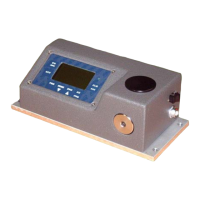
AWS-3000 Guide


 To Next Page