I. Parts Description
1
2
3
4
5
7
6
8
9
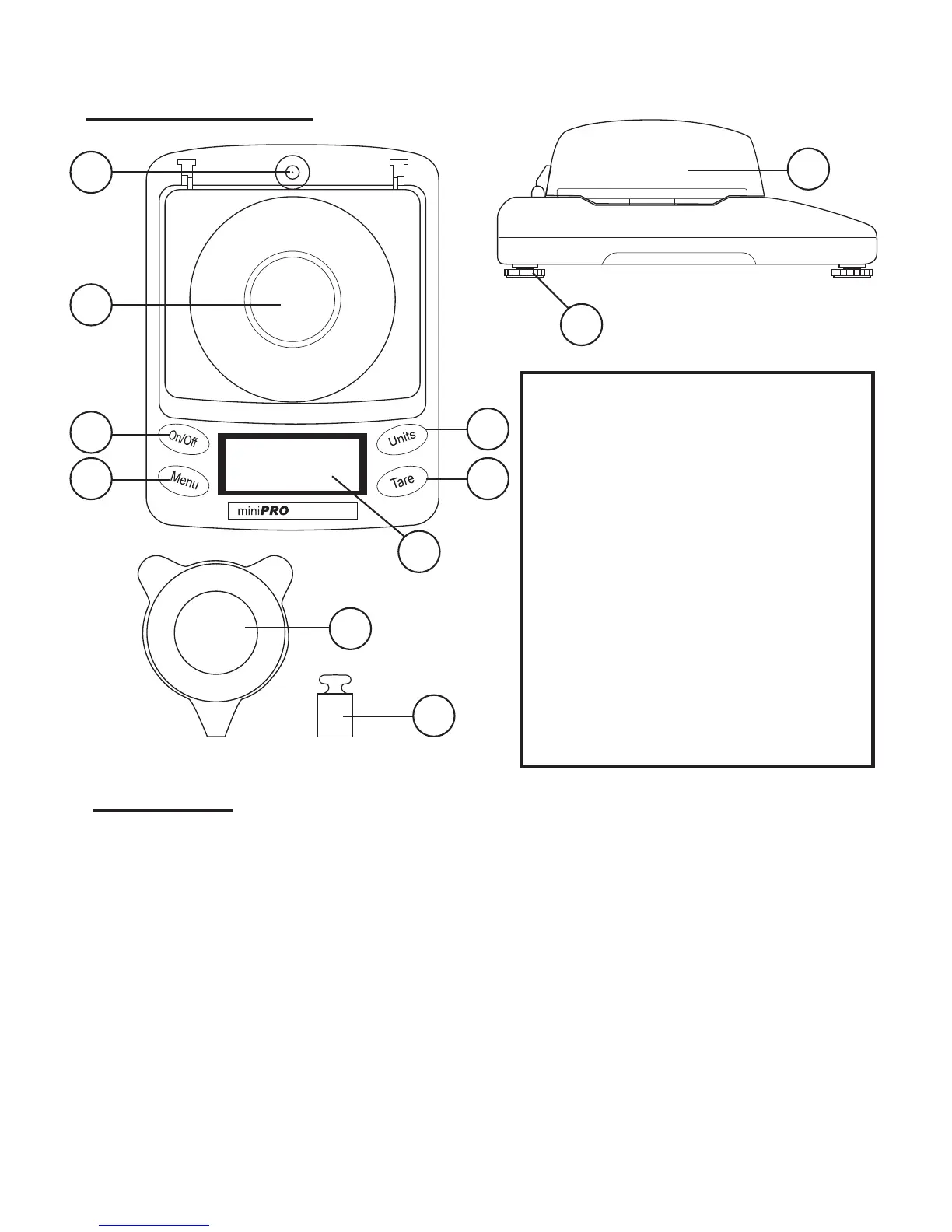
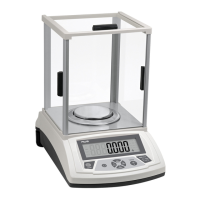
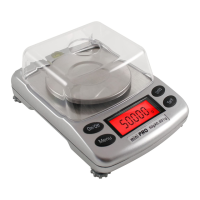
1. Bubble level- insures scale is level
2. Weighing Platform.
3. On/Off - Turns scale on or off
4. Fn- Adjust backlight and other set-
tings (explained in this manual)
5. LCD Display
6. Tare- Resets scale to zero
7. Units- Changes weighing units
8. Adjustable feet- help keep scale
level
9. Draft Shield- Keeps wind from
interfering with weighing
10. Weighing Tray
11. Calibration Weight
*Carrying case and AC adapter
included (not shown)
II. Operation
This scale operates using either 4 AAA batteries or an included
AC Adapter. Insure the scale is plugged into a wall outlet, or
has battery power before use. To operate, set the balance
on a at / stable surface away from interference from wind,
vibration, and radio waves. If needed, you may adjust the
scales feet to insure that the scale is level. Press the “On/Off”
key to begin weighing. Once the scale reads “0.000”, you may
place the item to be weighed onto the center of the platform.
10
11


 To Next Page