IV. Turning the Scale On and Off
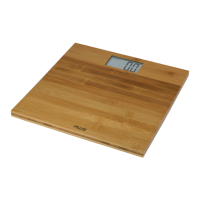
This scale has an Auto-On and Auto-Off feature. The scale
will automatically turn on when the user steps on the
platform and automatically turn off after the user steps
off the platform. This scale is ready to weigh, and does not
require tapping first before stepping on the scale.
V. Changing Weighing Units
To change the current weighing unit, use the “kg/st/lb”
button on the bottom side of the scale. Notice the display
will change between kg, st:lb, and lb with each button
press.
VI. Entering Personal Data
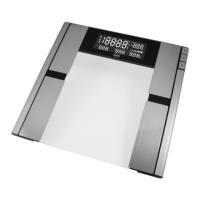
Before you can use this scale’s body composition features
(such as body fat), you must enter your personal data. The
scale can remember personal data for up to 8 different
users.
Press the “SET” button to enter setup mode.•
P# will flash on the display (where # is the User ID, 1-8).•
Use •
and to change the number and press “SET” to
confirm.
The display will then prompt you to select your body •
physique. Use
and to choose the icon that
corresponds with your personal body physique (female,


 To Next Page