Wegfrezen opdek
Breedte: 120mm
Hoogte: tot aan onderkant sluitnaad
SECTION
W-W
SECTION
X-X
X
DETAIL
Y
SCALE
2:1
120
Sluitnaad
60
+10
0
X
FIGUUR E2
FIGUUR F (opdek)
W
W
X
X
Y
Bovenzijde Raam
Onderzijde sleuf
G
F
Installation manual
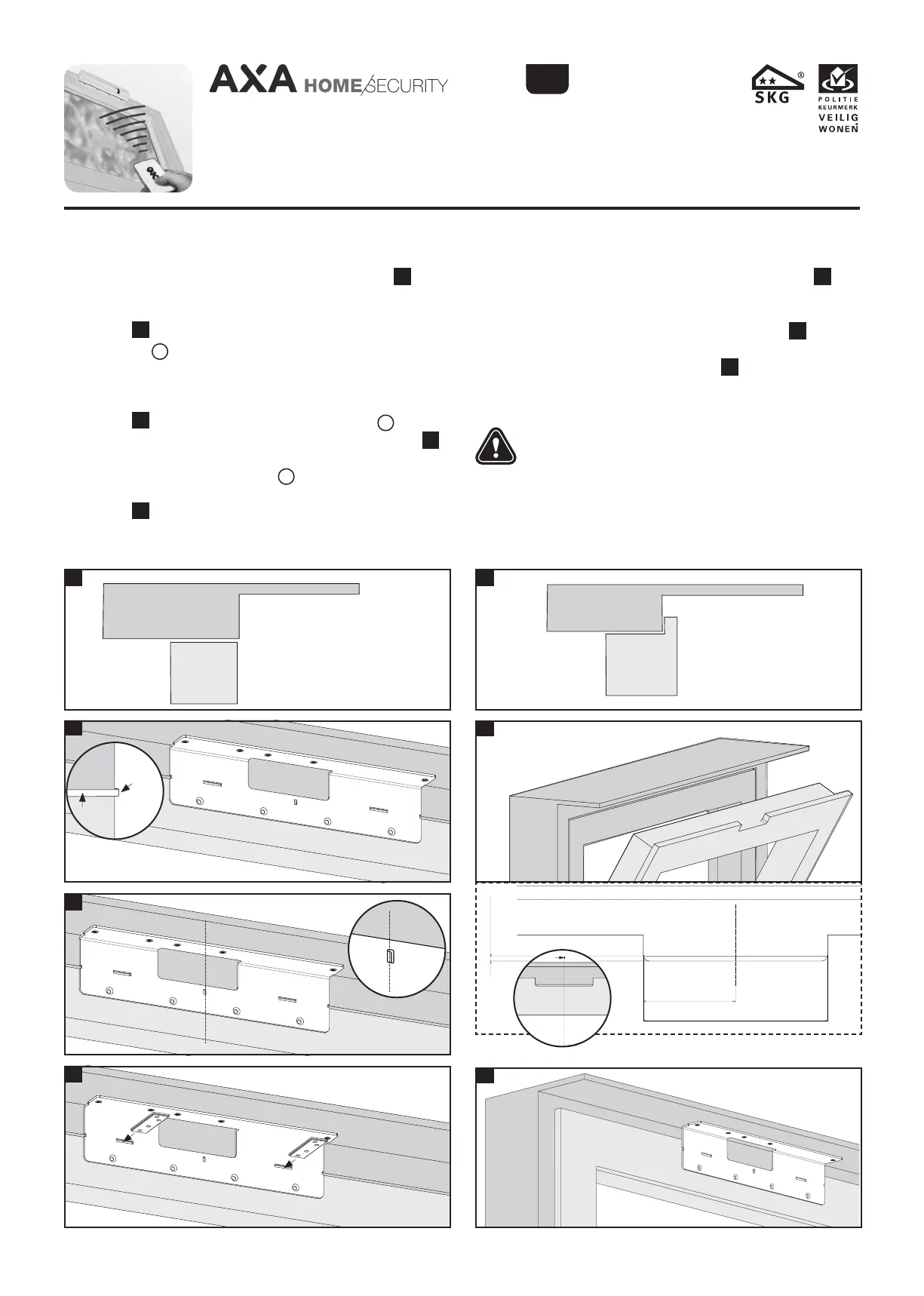
Preparation for installation on a rebate window (figure
E1
)
4 Check whether the window closes effortlessly.
5 Mark the middle of the window on the window casing.
6 Make a recess in the window according to figure
E2
7 Place the top of the recess on the hopper window bracket at
the same height as the recess figure
E3
8 Mark the drilling holes and drill attachment points with a
Ø 2 mm drill.
Installation manual
Preparation for installation on a flush window (figure
E
)
4 Check whether the window closes effortlessly.
5 Make sure the window comes to lie flush with the casing
(figure
E
). Use the window washer plate here if
necessary .
6 Mark the middle of the window on the window casing.
7 Make sure that the groove on the left side of the hopper
window bracket is at the same height as the window jamb
(figure
F
) .Centre the hopper window bracket with the
vertical groove to the marked middle of the window (figure
)
8 Check the correct height of the hopper window bracket by
sticking 2 casing washer plates horizontally into the
jamb through the recess on the hopper window bracket
(figure
H
).
9 Mark the holes (four) with pencil or bradawl. Drill with a
Ø 2 mm drill bit.
E
H
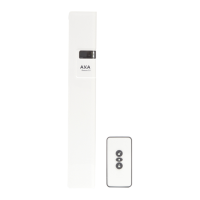
AXA Remote 2.0
Remote-controlled window opener
E1
E2
E3
Bovenzijde Raam
Onderzijde sleuf
Window casing
Window
Window casing
Window
Wegfrezen opdek
Breedte: 120mm
Hoogte: tot aan onderkant sluitnaad
120
Sluitnaad
60
+10
0
Wegfrezen opdek
Breedte: 120mm
Hoogte: tot aan onderkant sluitnaad
120
Sluitnaad
60
+10
0
W
W
X
X
Y
3
37-224.2 (6-18)
Groove
Jamb
4
3
9
Jamb
G
EMC 2004/108/EC
EN
For the AXA Remote we recommend to use a fanlight holder,
chain or cable, to prevent a window fall-through in case of an
emergency.


 To Next Page
 Loading...
