Management and Configuration
122 AXIS 5900 User’s Manual
TCP/IP Restrictions
In a new and unconfigured Axis Network Print Server any user is allowed
to send TCP/IP print jobs. Using a restriction list you can reject TCP/IP
printing from specified IP addresses.
Enabling TCP/IP
Restrictions
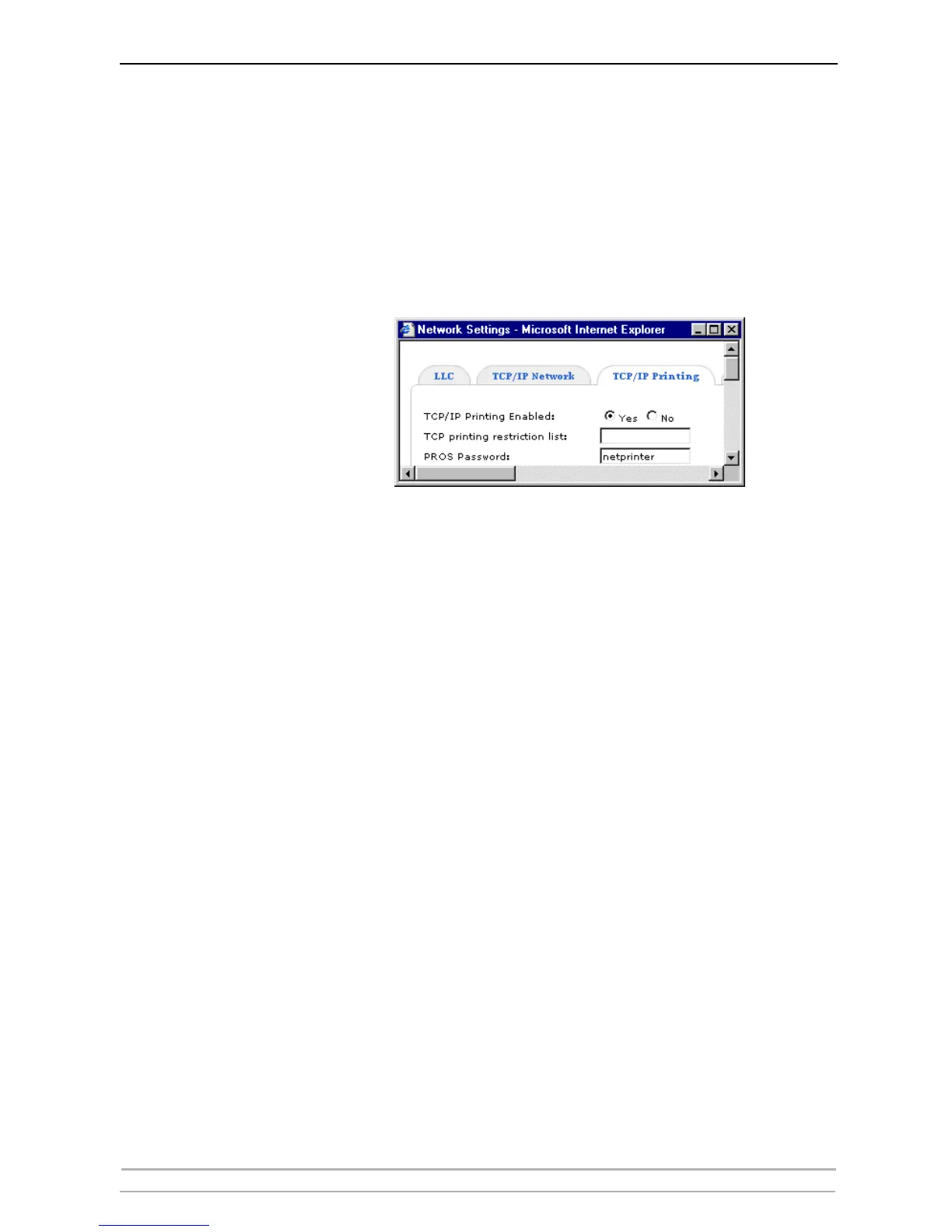
In the print server’s Web interface, select Admin | Network Settings |
Detailed View | TCP/IP Printing.
Print jobs from IP addresses specified in the TCP printing restriction list
will be rejected. Comma delimited IP addresses as well as ranges of IP
addresses can be entered.
Examples:
192.168.0.10 will reject print jobs from IP address 192.168.0.10.
192.168.0.12, 192.168.0.32 will reject print jobs from IP addresses
192.168.0.12 and 192.168.0.32.
192.168.0.40-192.168.0.79 will reject print jobs from IP addresses
within the range 192.168.0.40 — 192.168.0.79.
Disabling TCP/IP
Restrictions
Empty the TCP printing restriction list to remove the restrictions. This is
the default setting.



 To Next Page