Adding Printers in Windows
30 AXIS 5900 User’s Manual
Go Straight to the
Print Server’s Web
Interface
Right-click on a printer in the Select Network Printer list and select Print
server home page to configure the print server from its embedded Web
pages.
Adding Printers in Windows 2000 / XP / 2003 using Windows Add Printer Wizard
1. Windows XP/Windows Server 2003:
Go to Start | Printers and Faxes and click the Add a Printer icon to start
the Add Printer Wizard. Click Next.
Windows 2000:
Go to Start | Settings | Printers and click the Add Printer icon to start
the Add Printer Wizard. Click Next.
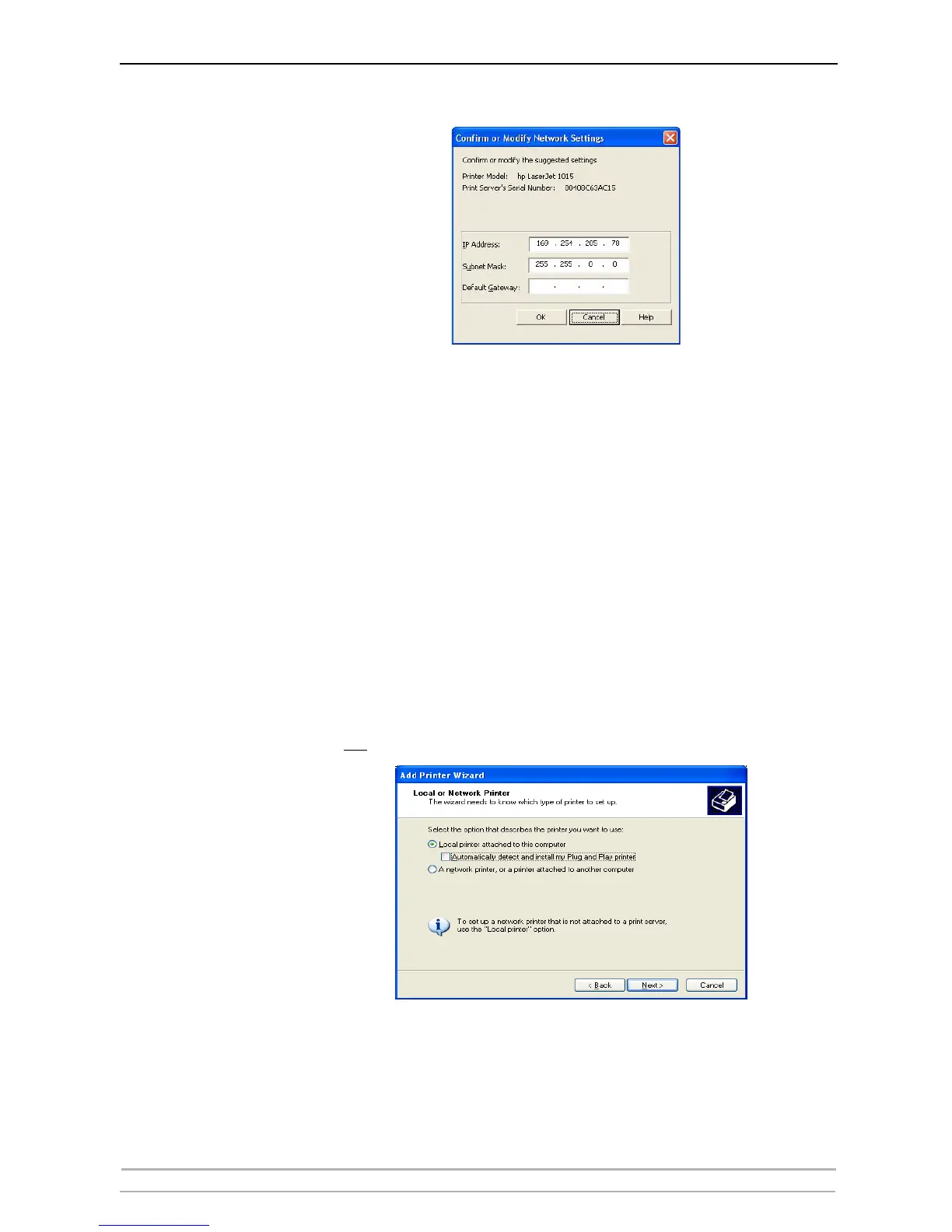
2. In the Wizard, select Local Printer attached to this computer. Make sure
the Automatically detect and install my Plug and Play printer check box
is not
checked. Click Next.



 To Next Page