The Parameter List
148 AXIS 5900 User’s Manual
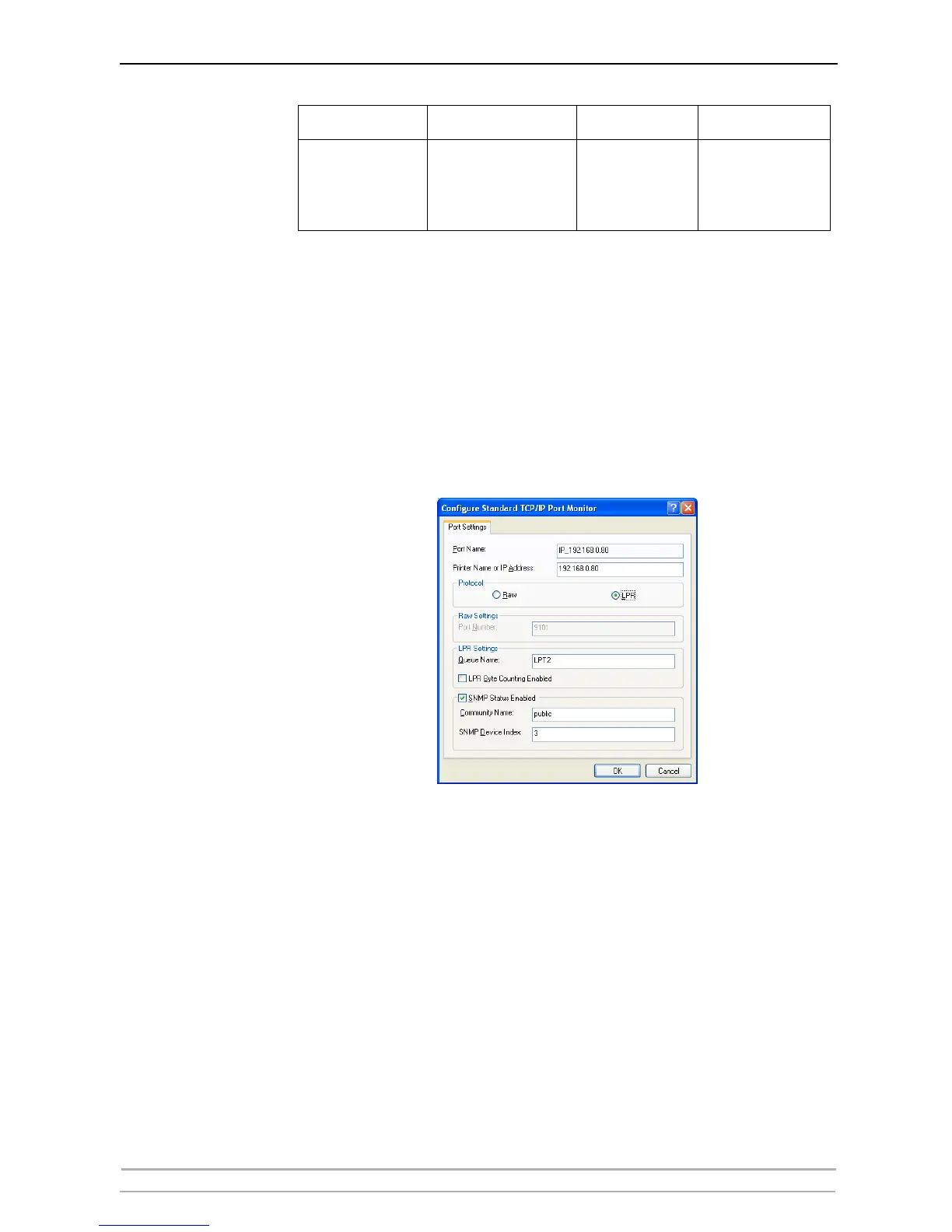
Enable SNMP Status SNMP Status is enabled through Windows’ printer port settings.
Example You have a three port print server and want to enable SNMP Status for
LPT2. The table above tells you to set the SNMP Device Index to 3.
Using Windows XP as an example:
1. Go to Start | Printers and Faxes.
2. Select Printer and then Properties.
3. Select Port and mark the Port you would like to change.
4. Click Configure Port...
5. Ensure that SNMP Status Enabled is ticked and enter the correct index
number in SNMP Device Index, taken from the table above (3 in this
example).
6. Click OK and Close.
Three Port:
Parallel
Parallel
Serial
LPT1
LPT2
COM1
9100
9101
9102
1
3
2
Print Server LPR Queue Name Raw Port Number SNMP Device Index



 To Next Page