AXISC8210NetworkAudioAmplifier
Thedeviceinterface
•Createlink:CreateaURLwhich,whenused,playstheaudiocliponthedevice.Specifythevolumeandnumber
oftimestoplaytheclip.
•Download:Downloadtheaudiocliptoyourcomputer.
•Delete:Deletetheaudioclipfromthedevice.
Listenandrecord
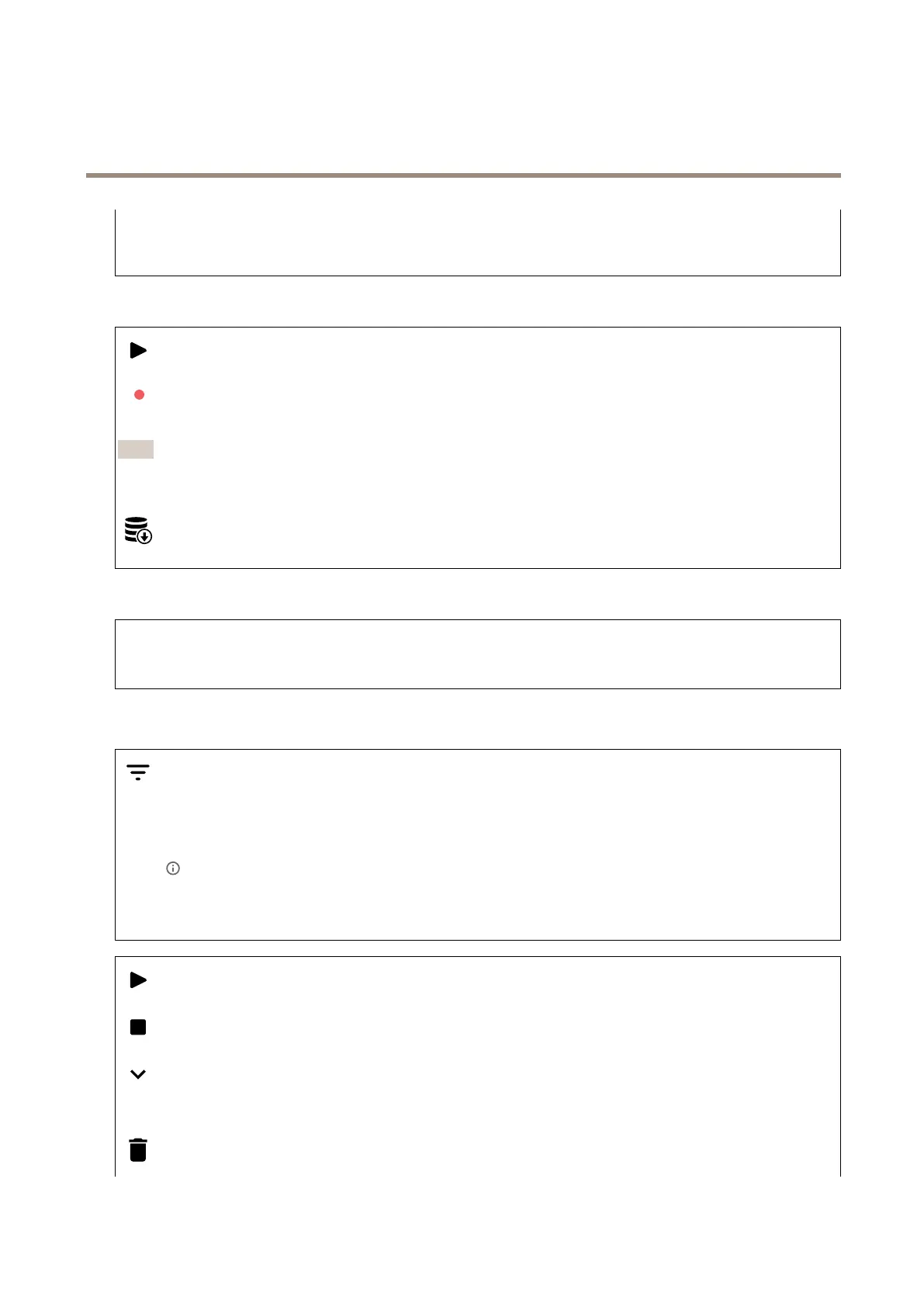
Clicktolisten.
Clicktostartacontinuousrecordingoftheliveaudiostream.Clickagaintostoptherecording.Ifarecordingisongoing,it
willresumeautomaticallyafterareboot.
Note
Youcanonlylistenandrecordifinputisturnedonforthedevice.GotoAudio>Devicesettingstomakesurethat
inputisturnedon.
Clicktoshowthestoragethatisconguredforthedevice.Tocongurethestorageyouneedtobeloggedinasan
administrator.
Audiositesecurity
CAcerticate:SelectthecerticatetousewhenyouadddevicestotheaudiositewhenTLSauthenticationisenabledin
AXISAudioManagerEdge.
Save:Clicktoactivateandsaveyourselection.
Recordings
Clicktoltertherecordings.
From:Showrecordingsdoneafteracertainpointintime.
To:Showrecordingsupuntilacertainpointintime.
Source
:Showrecordingsbasedonsource.
Event:Showrecordingsbasedonevents.
Storage:Showrecordingsbasedonstoragetype.
Clicktoplaytherecording.
Clicktostoptherecording.
Clicktoshowmoreinformationandoptionsabouttherecording.
Setexportrange:Ifyouonlywanttoexportpartoftherecording,enterfromwhentowhen.
Clicktodeletetherecording.
15


 To Next Page