AXISM30NetworkCameraSeries
Setup
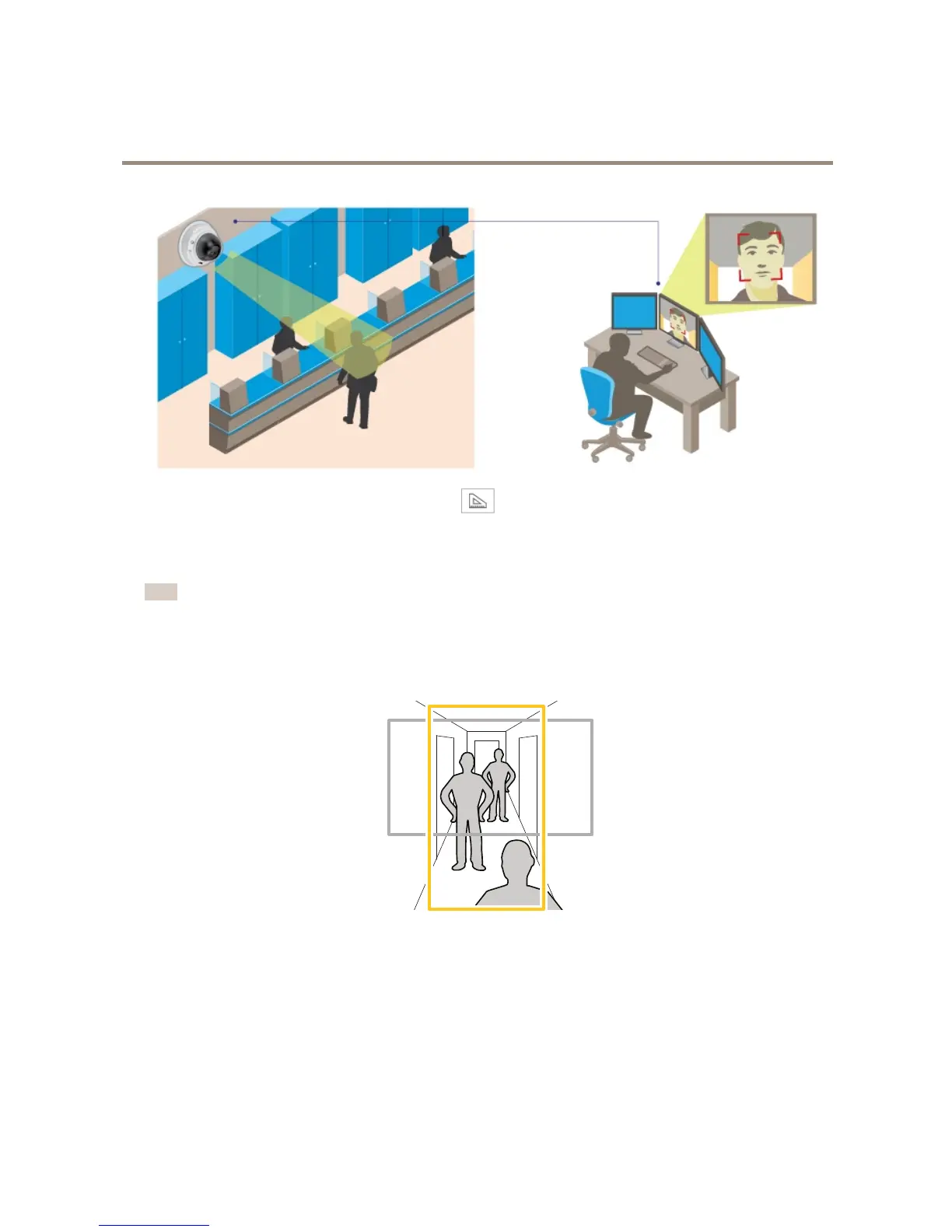
1.GotoSettings>System>Orientationandclick.
2.Adjustthesizeandplacementoftherectangleinthecamera’sliveviewaroundtheareaofinterest,forexamplewhere
thefacesofpassingpersonsareexpectedtoappear.Youcanthenseethenumberofpixelsrepresentedbythesidesof
therectangle.
Note
Youcanuseanobjectofaknownsizeintheviewasareferencetodecidehowmuchresolutionisneededforrecognition.
Howtomonitorlongandnarrowareas
Usecorridorformattobetterutilizethefulleldofviewinalongandnarrowarea,forexampleastaircase,hallway,road,ortunnel.
1.Dependingonyourproduct,turnthecameraorthe3–axislensinthecamera90°or270°.
2.GotoSettings>Stream>Orientationontheproduct’swebpageandrotatetheview90°or270°.
Findoutmoreataxis.com/axis-corridor-format
Howtoreducenoiseinlow-lightconditions
Toreducenoiseinlow-lightconditions,youcanadjustoneormoreofthefollowingsettings:
•Makesurethattheexposuremodeisautomatic.
10



 To Next Page