AXISP1265MkIIModularPinholeCamera
Configureyourdevice
•Adjustthetrade-offbetweennoiseandmotionblur.GotoVideo>Image>ExposureandmovetheBlur-noisetrade-off
slidertowardLownoise.
•Settheexposuremodetoautomatic.
Note
Ahighmaxshuttervaluecanresultinmotionblur.
•Toslowdowntheshutterspeed,setmaxshuttertothehighestpossiblevalue.
Note
Whenyoureducethemaxgain,theimagecanbecomedarker.
•Setthemaxgaintoalowervalue.
•Ifpossible,movethesliderunderAperturetowardOpen.
•Reducesharpnessintheimage,underVideo>Image>Appearance.
Reducemotionblurinlow-lightconditions
Toreducemotionblurinlow-lightconditions,adjustoneormoreofthefollowingsettingsinVideo>Image>Exposure:
•MovetheBlur-noisetrade-offslidertowardLowmotionblur.
Note
Whenyouincreasethegain,imagenoisealsoincreases.
•SetMaxshuttertoashortertime,andMaxgaintoahighervalue.
Ifyoustillhaveproblemswithmotionblur:
•Increasethelightlevelinthescene.
•Mountthecamerasothatobjectsmovetowarditorawayfromitratherthansideways.
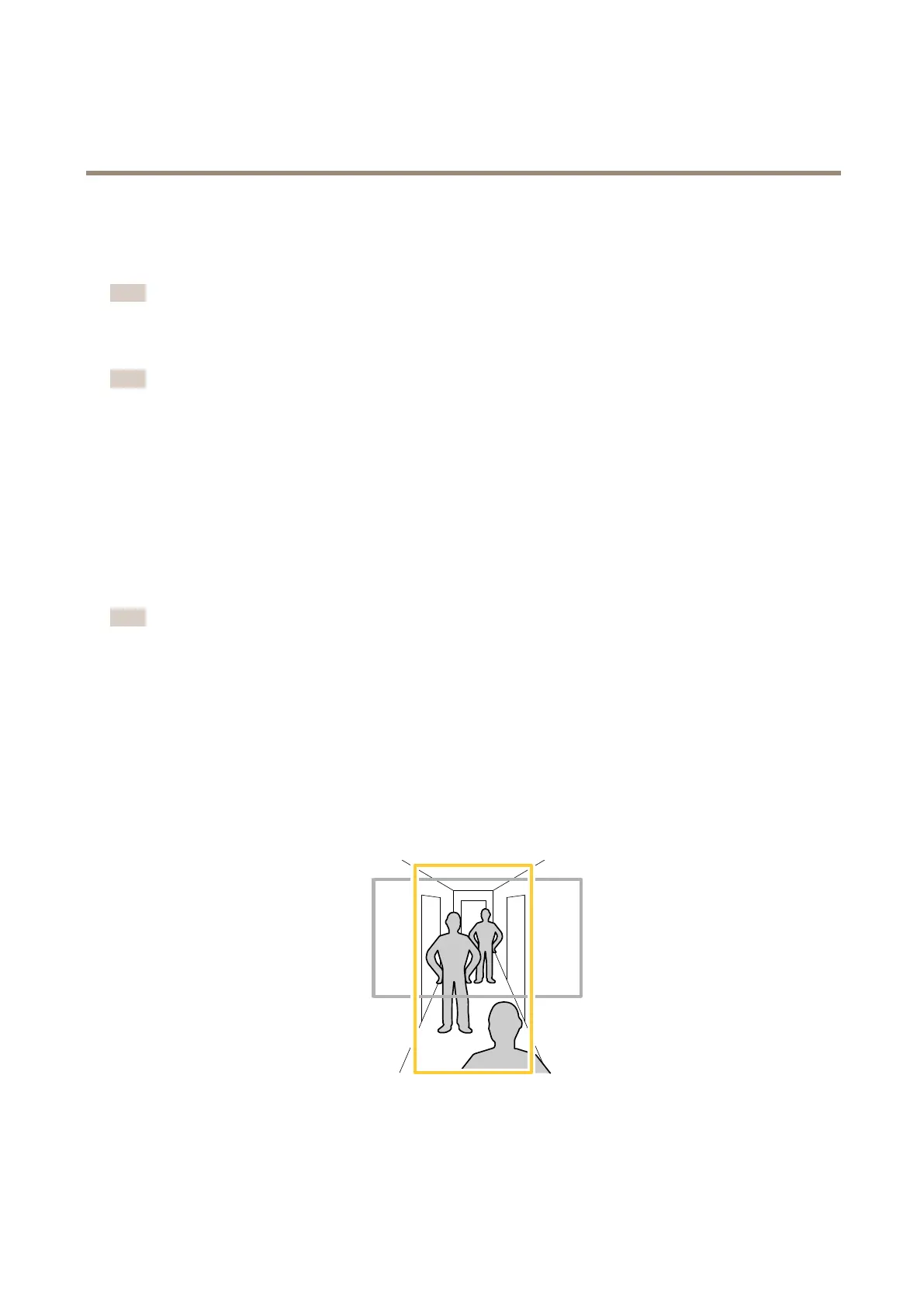
Monitorlongandnarrowareas
Usecorridorformattobetterutilizethefulleldofviewinalongandnarrowarea,forexampleastaircase,hallway,road,ortunnel.
1.Dependingonyourdevice,turnthecameraorthe3-axislensinthecamera90°or270°.
2.Ifthedevicedoesn’thaveautomaticrotationoftheview,gotoVideo>Installation.
8











 To Next Page