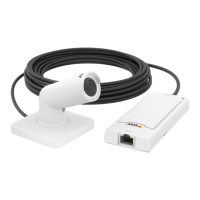
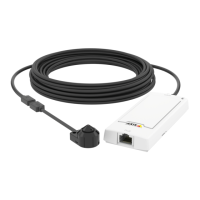
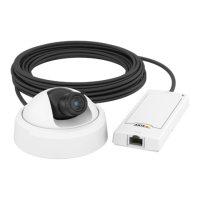
AXISP12Series
Productoverview
Productoverview
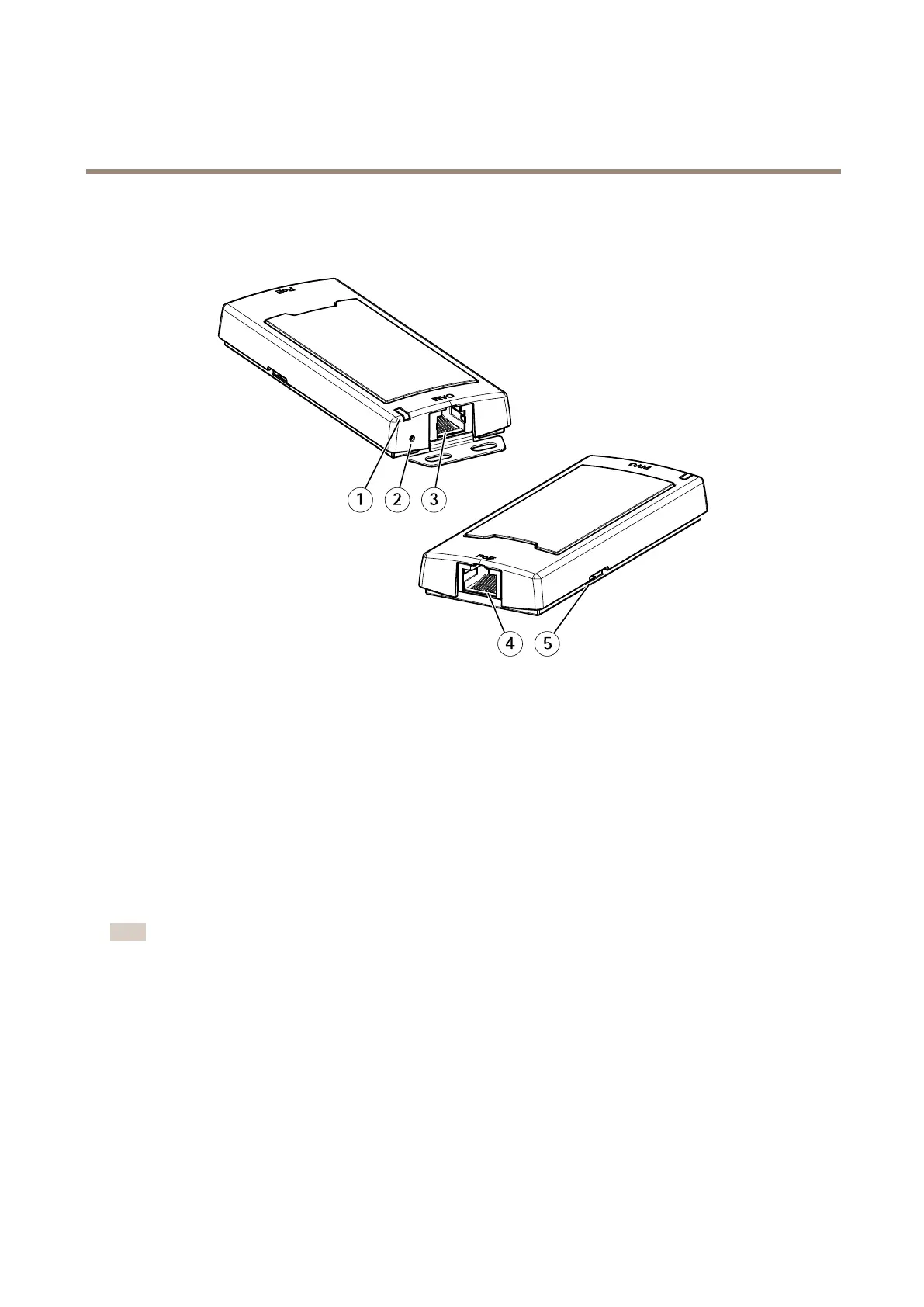
AXISP12MkIIMainUnit
1
StatusLED
2
Controlbutton
3
RJ12connector
4
Networkconnector(PoE)
5
SDcardslot(microSDcard)
Connectsensorunits
Whenyouconnectasensorunittoamainunit,werecommendthatyoumaketheconnectionbeforeyoupowerupthemainunit.If
youdisconnectasensorunitandconnectadifferentone,itmaybenecessarytorestartthemainunit.
Shortenthesensorunitcable
Note
Thiscablecanonlybeshortened,notextendedormodiedinanyotherway.
Thesensorunitisdeliveredwithacable.Toshortenthecablefollowthesesteps:
1.Cutthecabletothedesiredlength.Measurefromthesensorunit.
2.Striptheplasticoutercoatingfromtheendofthecable.
3.Peelbacktheshield.
4.Flattenthecoloredwiresintheorderdescribedbelow.
4


 To Next Page