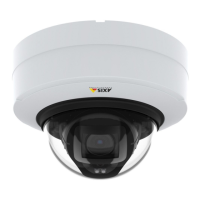
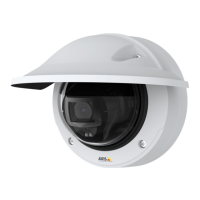
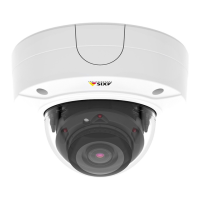
AXISP3245NetworkCameraSeries
Additionalsettings
Note
Youcanuseanobjectofaknownsizeintheviewasareferencetodecidehowmuchresolutionisneededforrecognition.
Hidepartsoftheimagewithprivacymasks
Youcancreateoneorseveralprivacymaskstohidepartsoftheimage.
1.GotoSettings>Privacymask.
2.ClickNew.
3.Adjustthesize,color,andnameoftheprivacymaskaccordingtoyourneeds.
Showanimageoverlay
Toaddanimageasanoverlayinthevideostream:
1.GotoSettings>Overlay.
2.ClickImagelist.
3.UploadanimageandclickDone.
4.ClickCreateoverlay.
5.SelectImageandclickCreate.
6.Selecttheimagefromthedrop-downlist.
7.Topositiontheimageoverlay,chooseCustomoroneofthepresets.
8.ClickCreate.
Viewandrecordvideo
Tolearnmoreaboutsettingsforviewingandrecordingvideo,seeStreamingandstorageonpage19.
Reducebandwidthandstorage
Important
Ifyoureducethebandwidthitcanresultinlossofdetailsinthepicture.
1.GotoliveviewandselectH.264.
2.GotoSettings>Stream.
3.Dooneormoreofthefollowing:
-TurnontheZipstreamfunctionalityandselectthedesiredlevel.
Note
ThezipstreamsettingsareusedforbothH.264andH.265.
-TurnondynamicGOPandsetahighGOPlengthvalue.
-Increasethecompression.
-TurnondynamicFPS.
Note
WebbrowsersdonotsupportH.265decoding.UseavideomanagementsystemorapplicationsupportingH.265decoding.
11



 To Next Page