AXISP3255-LVEDomeCamera
Additionalsettings
3.Inthelistofconditions,selectTampering.
4.Inthelistofactions,selectSendnoticationtoemail.
5.SelectarecipientfromthelistorgotoRecipientstocreateanewrecipient.
Tocreateanewrecipient,click
.Tocopyanexistingrecipient,click.
6.Typeasubjectandamessagefortheemail.
7.ClickSave.
Setuptheintrusionalarm
Important
TosetupanintrusionalarmyouneedtheAXISDomeIntrusionSwitchC.
Withadomeintrusionswitchmountedinsidethecamera,youcanreceiveanoticationifsomeoneremovesthecameradome.
Beforeyoustart
•Connecttheintrusionalarmswitchtopin1(ground)andpin3(digitalinput)ofthecamera’sI/Oconnector.
Conguretheinputport
1.GotoSettings>System>I/Oports.
2.ForPort1:
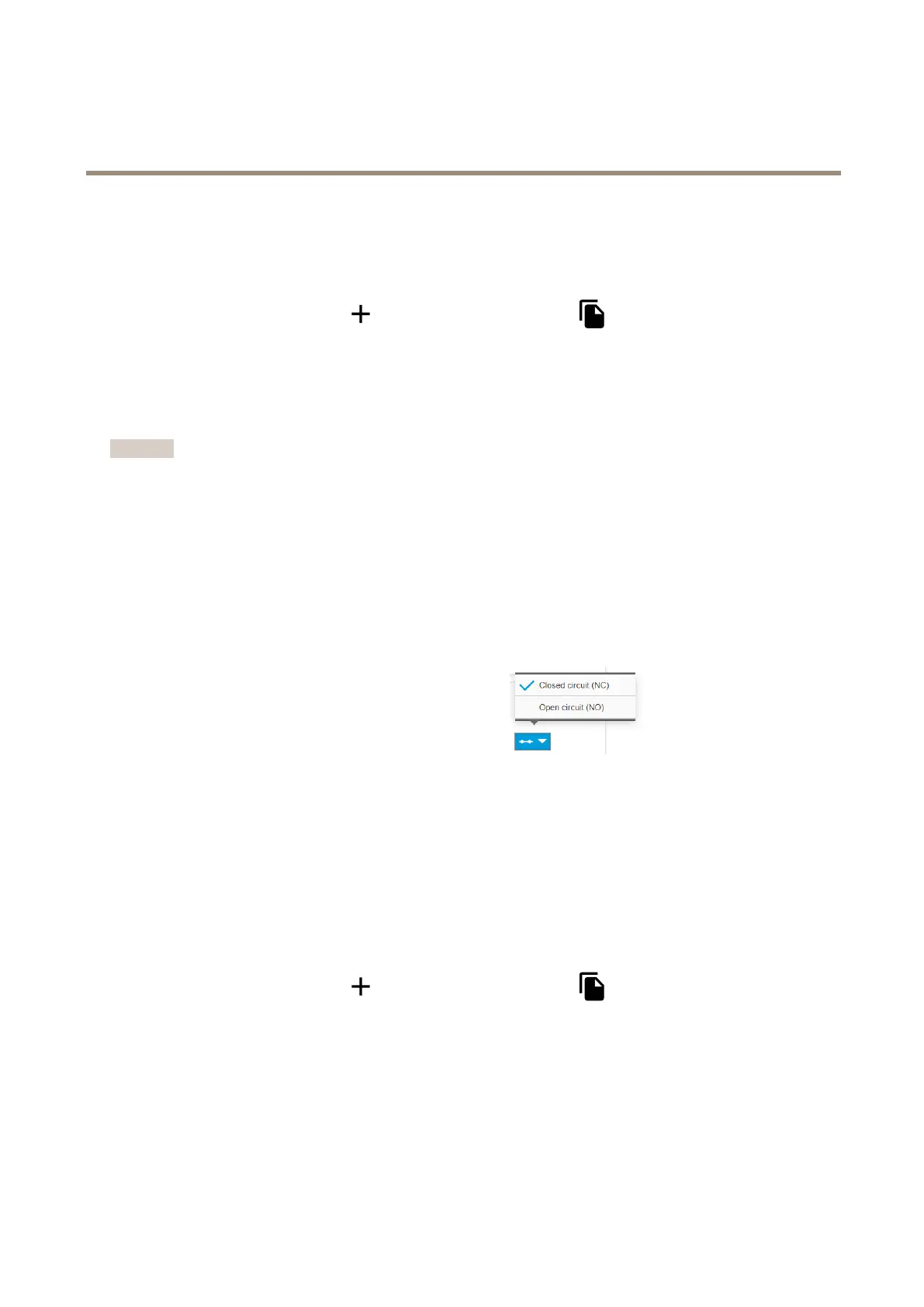
2.1SelectClosedcircuit(NC)inthedrop-downmenu
.
Createarule
1.GotoSettings>System>Eventsandaddarule.
2.Typeanamefortherule.
3.Inthelistofconditions,underI/O,selectDigitalinput.
4.Inthelistofports,selectInput1.
5.Inthelistofactions,underNotications,selectSendnoticationtoemail.
6.SelectarecipientfromthelistorgotoRecipientstocreateanewrecipient.
Tocreateanewrecipient,click
.Tocopyanexistingrecipient,click.
7.Typeasubjectandamessagefortheemail.
8.ClickSave.
16



 To Next Page